Hi,
I was wondering if there’s a way to get the “number of features“ currently tracked by the feature tracker of the position tracker? That way, I can reset the position tracker when there are fewer features without accumulating error in the system
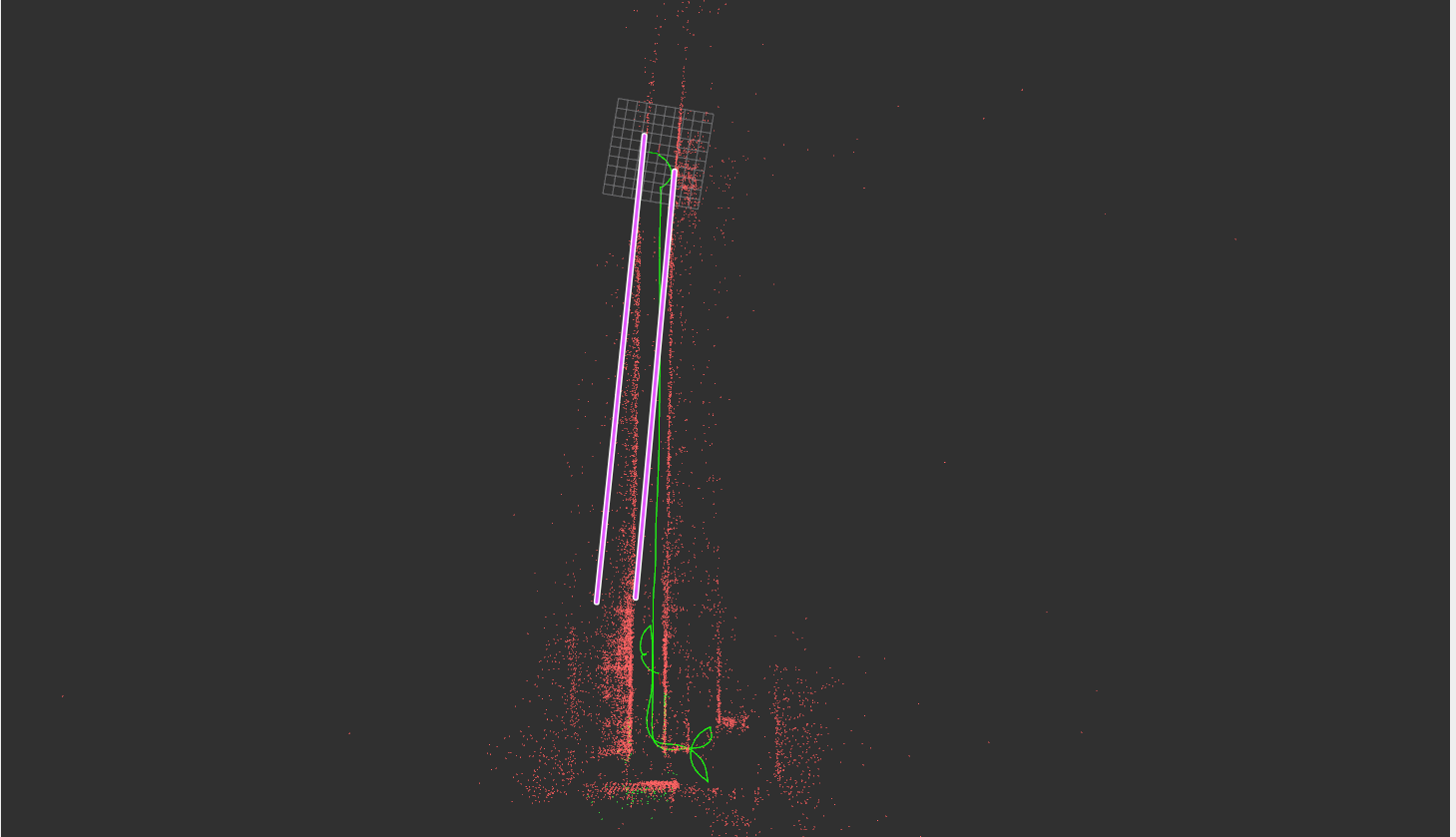
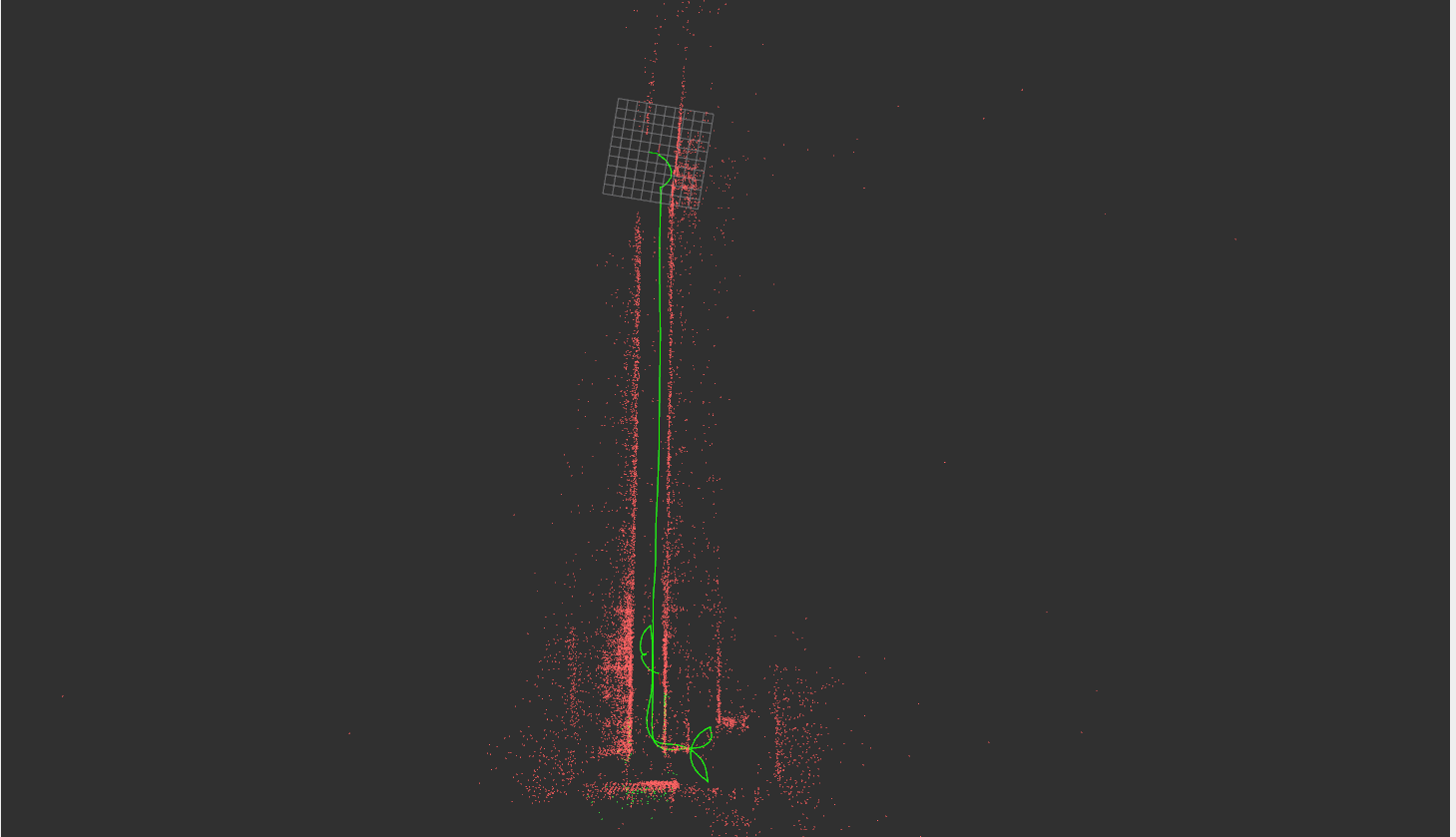
The system accumulates angular error as seen in the next images
The pink line is the approximate real alignment of the asile, and the red points are the tracked points of the slam, which have some error as seen in the image
This is interesting information.
Do you have an SVO recorded in the same conditions that we could use to improve the PT behaviors with similar conditions?
Unfortunately, I do not have this information. You can only evaluate it with tests on the field.
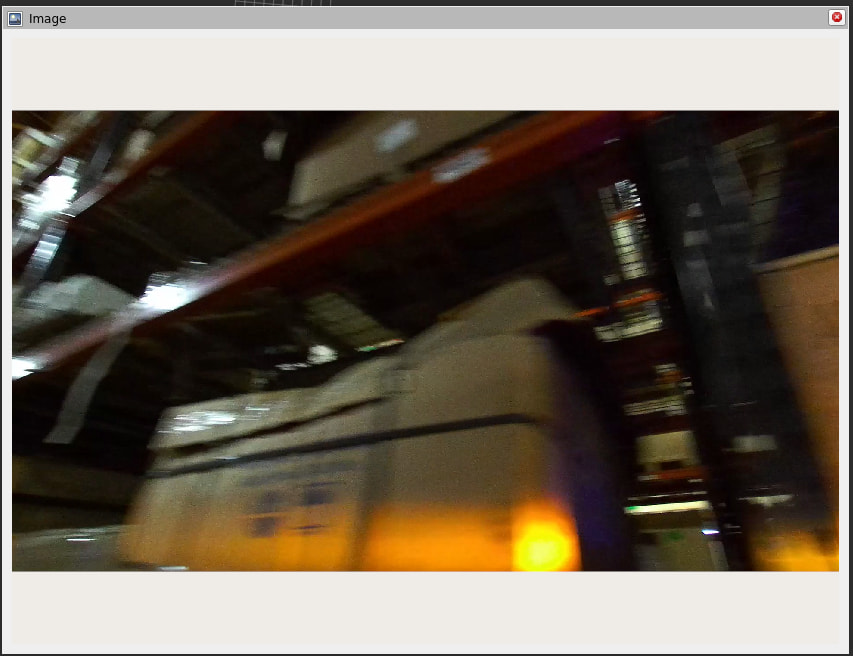
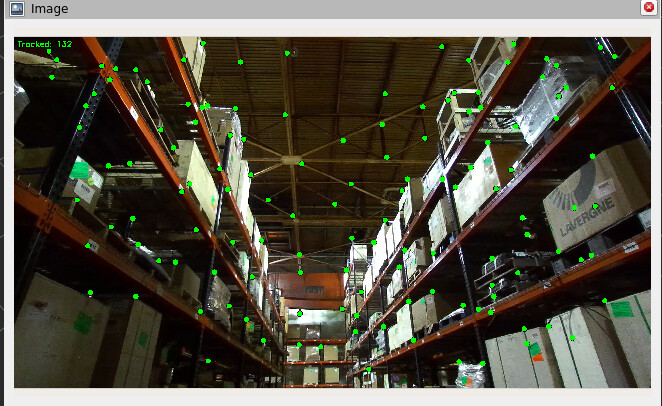
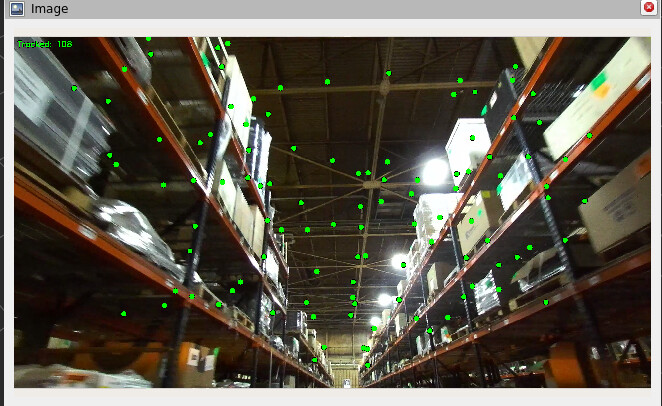
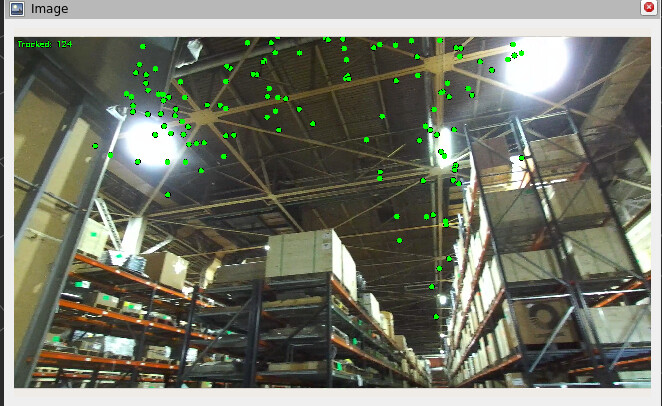
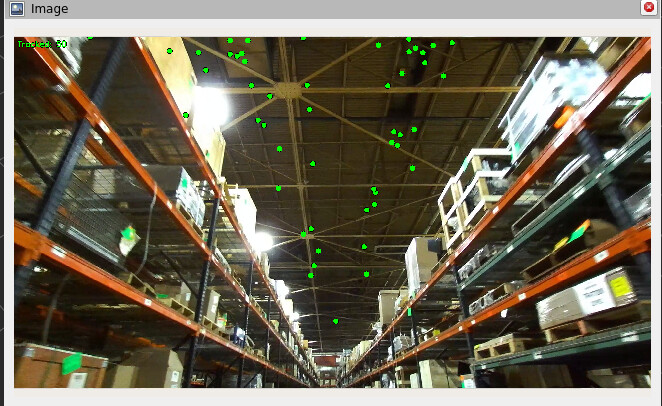
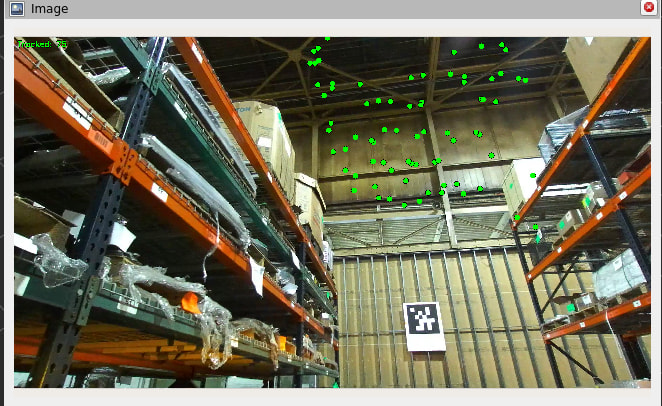
I have some more findings. I was trying to visualize the landmarks in the image. I see that in some images, it just tracks ceiling points. What could be the reason for that
It looks like the motion blur is one of the causes of the reduced number of features
This condition is normally accentuated when the robot is rotating.
You could try to fix the exposure time to a low value to reduce the amount of blur effect.
Hi, thanks for the response, currently I am using the Zed2i, I have ordered a ZedX as well to see if it helps (yet to get my hands on it), in the mean timeif you have any recommnedations of things I could try and how could I tune the exposure time please let me know!
since GEN_3 uses IMU, I would think IMU should be abe to help when the visual features go low while its turning, is there something I can do to improve IMU calibration or weightage?
I agree, but since this thing lasts for a couple of frames, I’d think in a tightly coupled VIO system that should be ok, but I see your point. If I change the exposure settings, would that impact Slam’s performance?
Hi,
I came across a great article on IMU preintegration (link below) and found it really insightful, especially how it can help during motion blur and brief featureless intervals. I’d really appreciate a deeper explanation of how ZED’s positional tracking uses IMU preintegration, and whether there are any potential improvements or enhancements worth exploring. https://dongwonshin.vercel.app/blog/imu-preintegration-part1
Thanks in advance!
In any case, you are free to test any third-party algorithm for sensor data fusion.
The positional tracking module of the ZED SDK is not mandatory. You can disable it and use your custom positional tracking processing.