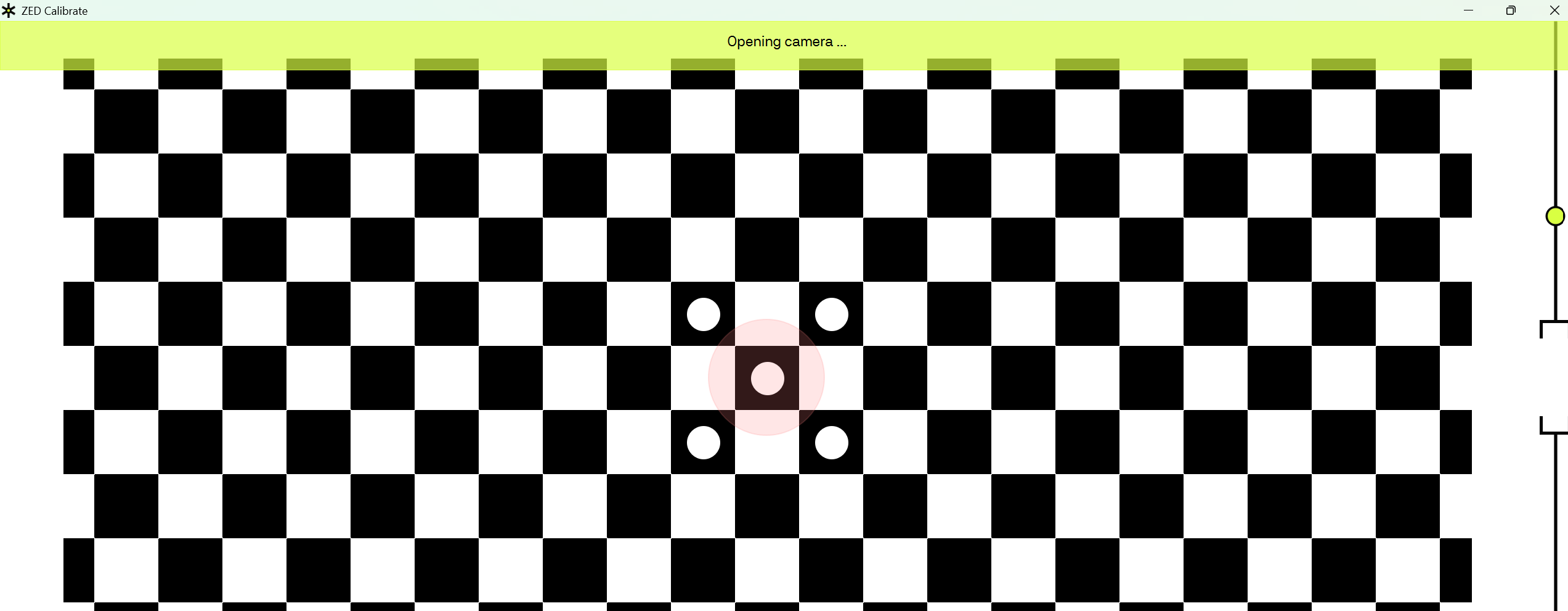
Because our depth seems to deviate 3 centimers from reality, I tried to start up the ZED Calibration tool from ZED SDK 5.4.1.
It gets stuck at Opening camera…
Here is the ZED Diagnostics json (it is missing the serial on Windows as well using SDK 5.4.1, serial= 30703974):
ZED_Diagnostic_Results.json (15.3 KB)
Not sure if this could be related to this topic:
When using the Zed Explorer CLI tool to download the calibration to EEPROM I get an error:
PS C:\Program Files (x86)\ZED SDK\tools> & '.\ZED Explorer.exe' --dc
*** Restore Factory Calibration ***
[ZED 2i 34489494]
Downloading factory calibration...
Writing factory calibration to EEPROM...
Calibration differs from factory settings (STEREO changed) ÔÇö updating...
Failed to update calibration for SN 34489494.
Details of the calibration as Zed Explorer sees them, and the calibration file itself…
This camera also gives a warning about calibration differs from factory settings.
[ZED 2i 30703974]
Downloading factory calibration...
Configuration file already exists... No changes applied.
Writing factory calibration to EEPROM...
Calibration differs from factory settings (LEFT RIGHT STEREO changed) ÔÇö updating...
Failed to update calibration for SN 30703974.
Hi @MathijsNL ,
If the ZED_Calibration tool is unable to open, I would recommend using our OpenCV based calibration tool, you can find a guide here: How to Calibrate your ZED camera with OpenCV | StereoLabs
Thanks for your advice. I used the OpenCV based calibration tool, and I found that two of my cameras had 7.5 and 3.5 px stereo reprojection error. Depth estimation has improved by a lot after recalibrating the stereo parameters.