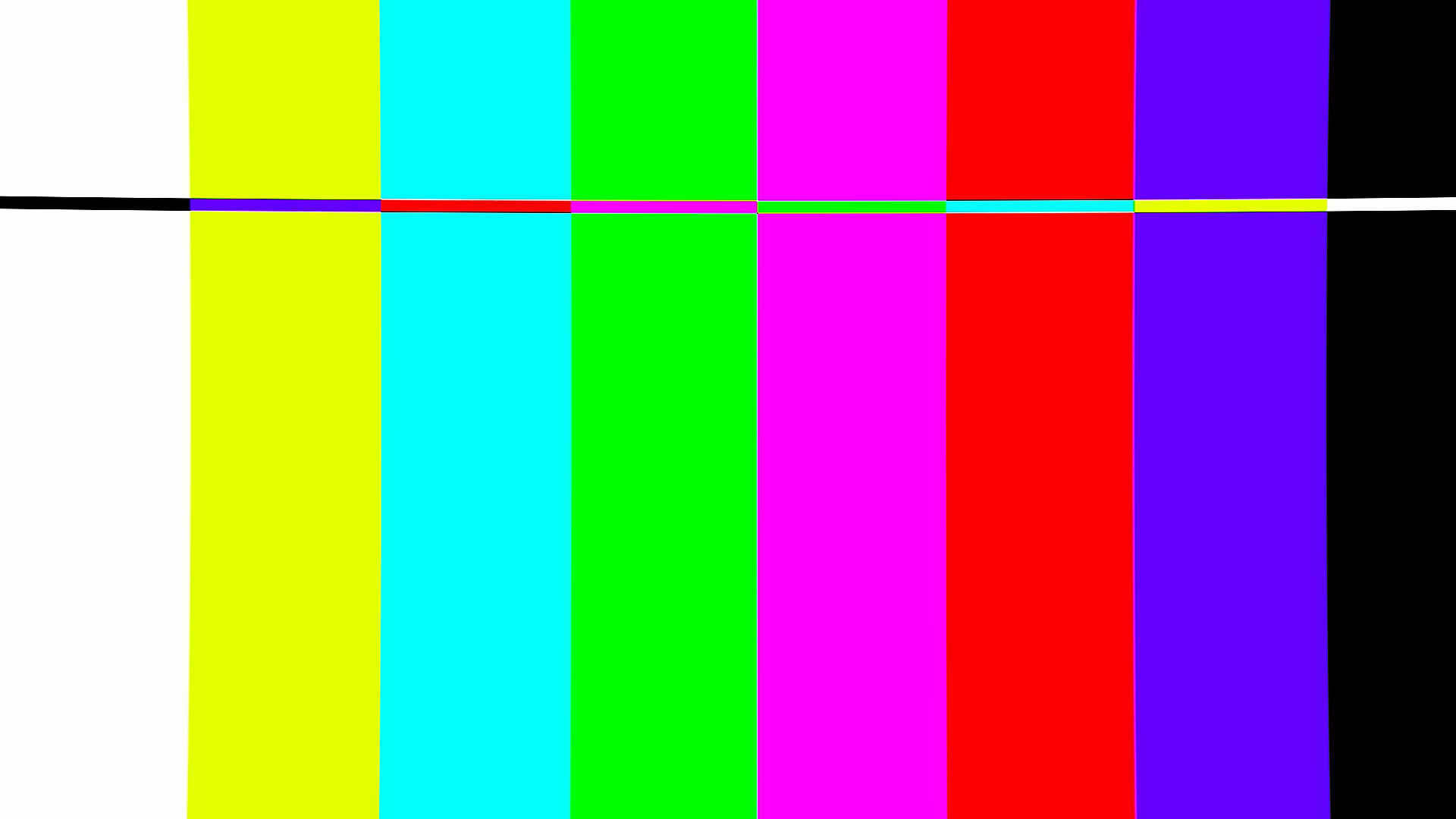
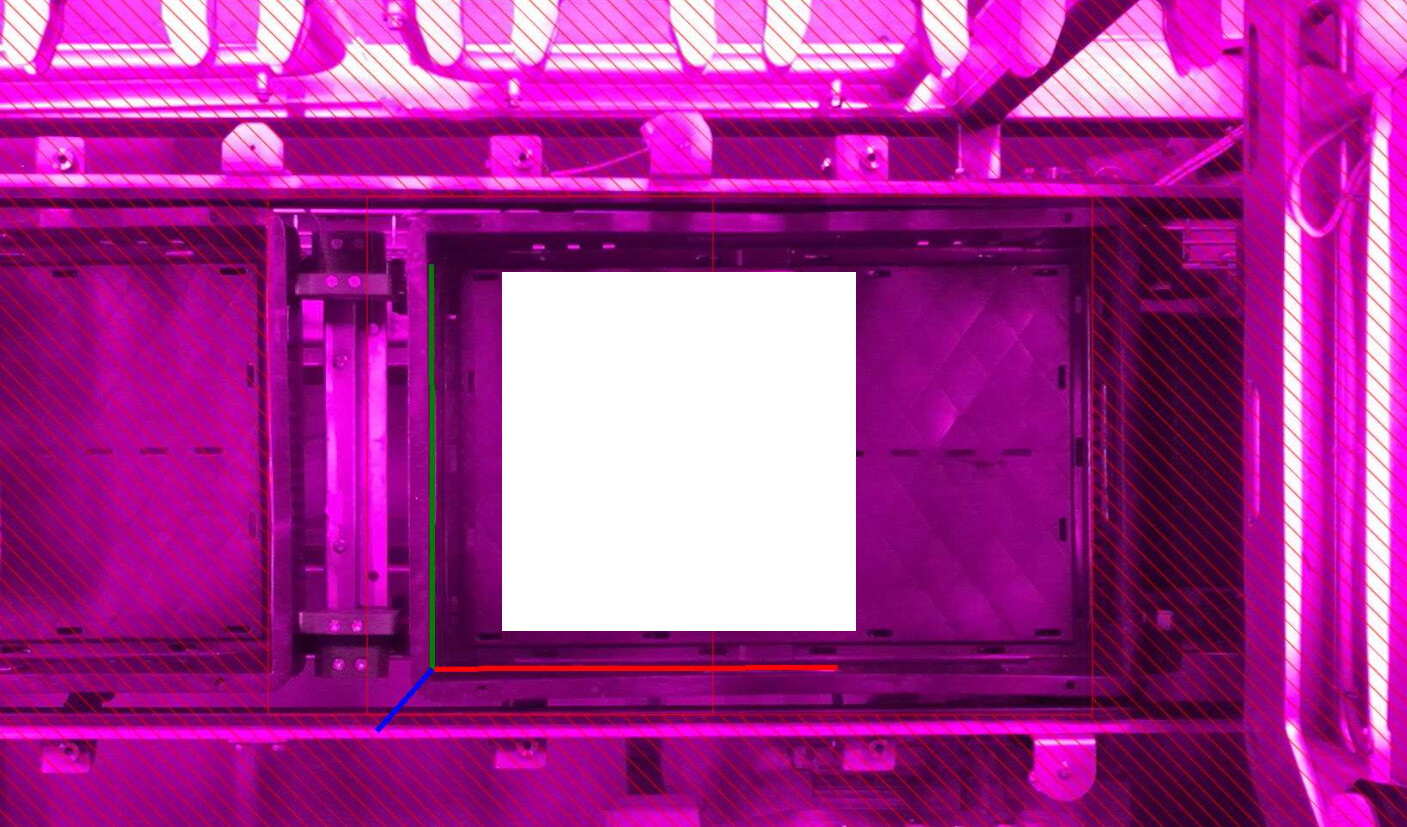
We are using the image validity check, and it did not flag this as corrupted frame. Using ZED Explorer to reboot the camera worked, but this should in my opinion be caught be the image validity check. What can be done about this?
Thanks, that confirms the key point: two ZED 2i on USB3, which is the model affected by the failure I described.
The camera section is incomplete though. Both cameras were enumerated but never opened, so there are no serial numbers, firmware versions or bandwidth result. That happens when your application holds the cameras, since the SDK needs exclusive access. Please stop it, re-run ZED_Diagnostic -c and send the new JSON. What we mainly need is the sensors firmware version (“IMU Firmware”) per camera. The ISP fixes shipped in 778, so if either camera is below that, updating is the real fix rather than just detecting the condition. Send the version and we will supply the procedure, which is not the same command as the video firmware.
Two things you can already rule out: the cameras are connected directly (the USB 2.0 hub in the report is inside the ZED 2i), and both run at USB3 speed.
Still needed:
Was the left image dark while the right stayed normal?
Your enable_image_validity_check value, and how you test the grab() result.
Next occurrence, before rebooting: Can you please provide a lossless SVO, plus EXPOSURE and GAIN read back per side?
Seems the ZED_Diagnostic is not producing the correct results?
Firmware of the IMU is 778, I updated both cameras to that. I think you have to trust me on this
Script used:
import pyzed.sl as sl

for dev in sl.Camera.get_device_list():
    print(f"Serial: {dev.serial_number}")
    print(f"Model: {dev.camera_model}")

    zed = sl.Camera()

    init = sl.InitParameters()
    init.set_from_serial_number(dev.serial_number)

    status = zed.open(init)

    if status == sl.ERROR_CODE.SUCCESS:
        info = zed.get_camera_information()

        print(f"  Camera FW : {info.camera_configuration.firmware_version}")
        print(f"  Sensor FW : {info.sensors_configuration.firmware_version}")

        zed.close()
    else:
        print(f"  Open failed: {status}")

    print()
Output
 python getfw.py
Serial: 37183641
Model: ZED 2i
[2026-08-06 20:07:03 UTC][ZED][INFO] Logging level INFO
[2026-08-06 20:07:04 UTC][ZED][INFO] Using USB input... Switched to default resolution HD720
[2026-08-06 20:07:05 UTC][ZED][INFO] [Init]  Camera successfully opened.
[2026-08-06 20:07:05 UTC][ZED][INFO] [Init]  Camera FW version: 1523
[2026-08-06 20:07:05 UTC][ZED][INFO] [Init]  Video mode: HD720@30
[2026-08-06 20:07:05 UTC][ZED][INFO] [Init]  Serial Number: S/N 37183641
[2026-08-06 20:07:05 UTC][ZED][INFO] [Init]  Depth mode selected: NEURAL. Ensure this mode matches your application's performance and accuracy requirements. See https://www.stereolabs.com/docs/depth-sensing/depth-modes for help.
  Camera FW : 1523
  Sensor FW : 778

Serial: 33220193
Model: ZED 2i
[2026-08-06 20:07:05 UTC][ZED][INFO] Logging level INFO
[2026-08-06 20:07:06 UTC][ZED][INFO] Using USB input... Switched to default resolution HD720
[2026-08-06 20:07:07 UTC][ZED][INFO] [Init]  Camera successfully opened.
[2026-08-06 20:07:07 UTC][ZED][INFO] [Init]  Camera FW version: 1523
[2026-08-06 20:07:07 UTC][ZED][INFO] [Init]  Video mode: HD720@30
[2026-08-06 20:07:07 UTC][ZED][INFO] [Init]  Serial Number: S/N 33220193
[2026-08-06 20:07:07 UTC][ZED][INFO] [Init]  Depth mode selected: NEURAL. Ensure this mode matches your application's performance and accuracy requirements. See https://www.stereolabs.com/docs/depth-sensing/depth-modes for help.
  Camera FW : 1523
  Sensor FW : 778
I will supply point 2 and 3 on the next occurence.