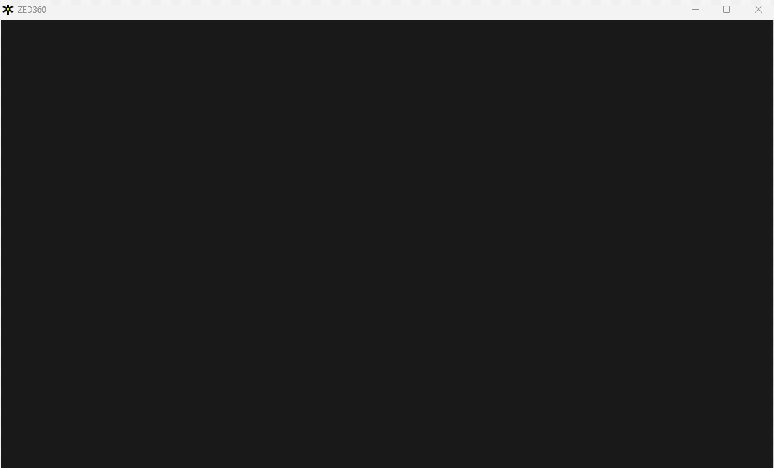
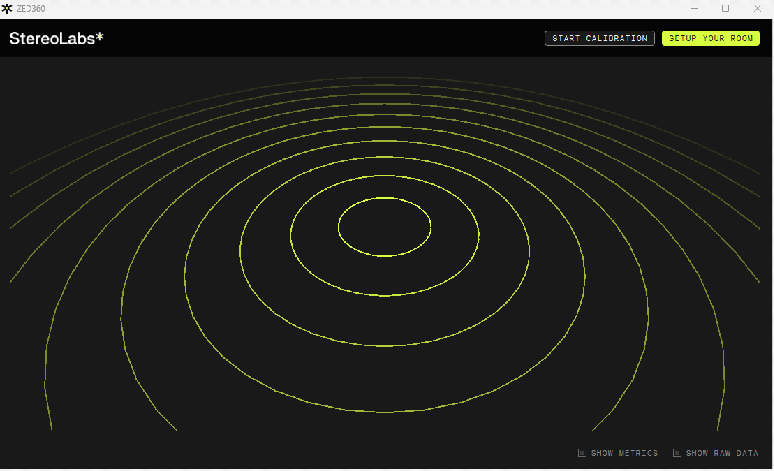
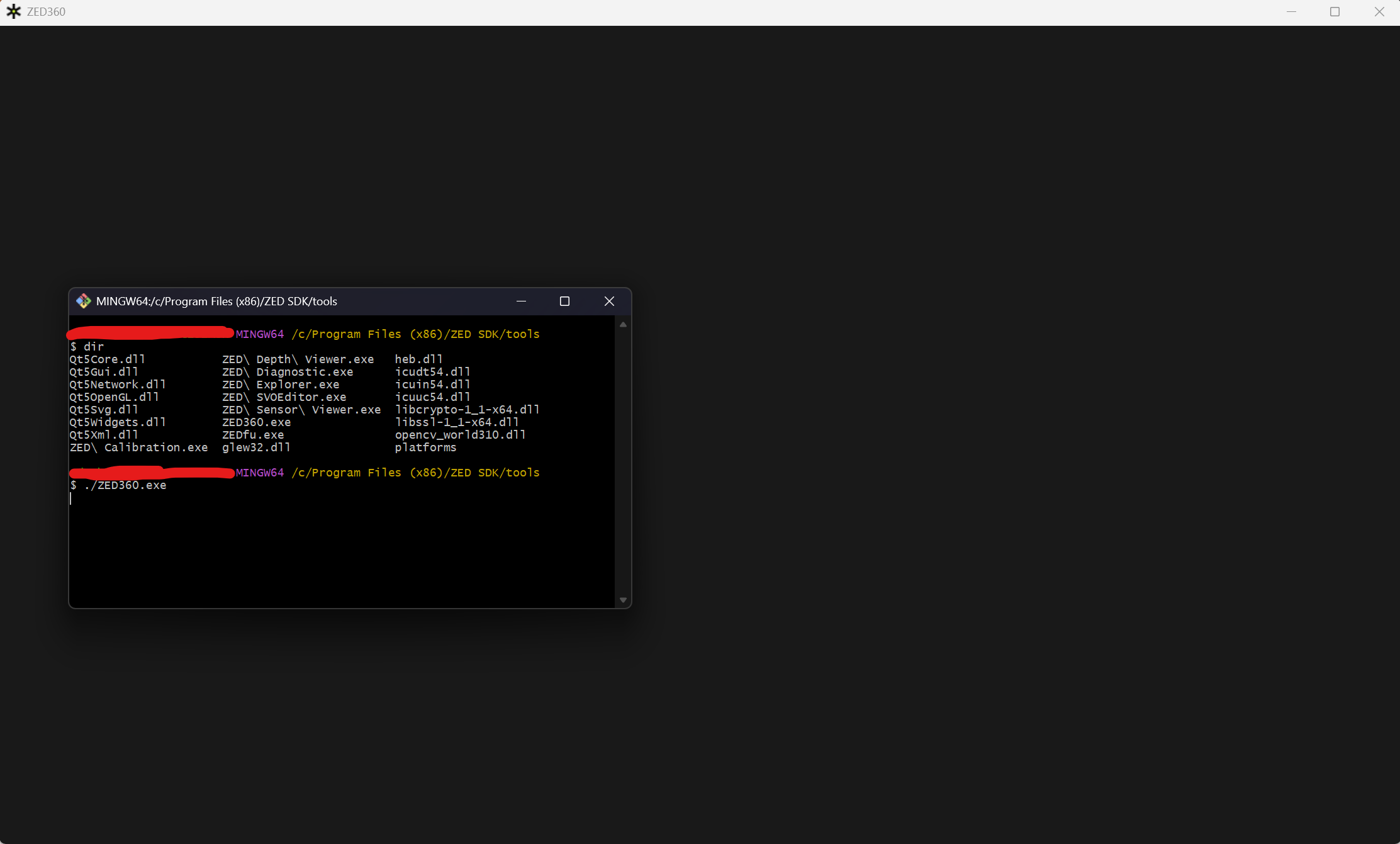
Having an issue where we can’t get ZED360 to work on my new computer. When we first open Zed 360, the window will flash between the two screens below. This happens every second or so, with 1 frame of the normal screen, then black for a bit.
This happens whether 0, 1, or 2 cameras are connected. Replicated on a second PC as well. Explorer and Calibration work fine, and Zed Diagnostics came back with a checkmark for all system. We also set to optimize all the AI models.
We’re using a slightly older version of ZED, but had no trouble using it on those computers, a second PC with the same specs produced the same issue.
Software Specs:
ZED SDK 5.0.7 Windows cuda 12.8 tensorrt 10.9
Cuda 12.9.1_576_57
Specs:
Intel Ultra 9 285K 3.7GHz
64GB Ram
NVIDIA RTX PRO 5000 Blackwell 48GB
NVIDIA Driver 595.57
OS: Windows 11 (25H2, 26200.8117)
We have everything on the requirements installed. Only ZED360 seems to have this issue. We’re using this version because it’s is what our unreal software is using, so we’d like to avoid doing major upgrades. No log to be found, even when running in GitBash
My question is then: Is this a bug? Is there some setup we have missed?
[EDIT] Reworded to make it clear this happens when first opening, added NVIDIA driver and GPU Ram, OS Version, and that this also doesn’t provide a log in GitBash
Hi,
Can you run ZED360 from a terminal and share the logs ? It might tell us what’s going wrong here.
Thanks.
Where do I get those logs? I’ve run it from powershell and command with nothing in the terminal once I launch it, just prepares for the next command. I haven’t found anything online or in the ZED Docs for getting logs or for where they would be generated. I don’t see logs anywhere in AppData under Local, LocalLow, or Roaming nothing under the SDK Install folder. I also tried running ZED360 with a -–dmesg command. I had seen some linux issues in the forums try using that.
I just tested and the logs are only visible when running ZED360 from gitbash (that’s a bug).
The logs are then simply visible in the console window.
Nothing comes up in the console window in gitbash either
oh, I did not understand the issue was happening from the very start of the application, even before trying to open the cameras or even use the ZED SDK at all (that’s why there is no log yet).
What GPU driver are you using? Could you try to update it to a newer version ?
No worries, it could have been clearer. We are on Nvidia Driver version 595.97, which is presently the most up-to-date version available for the card Blackwell 5000 48GB and OS (Windows 11). I’ll update the original post with this info.
Thanks for the info.
The logs in ZED 360 have been enabled in a more recent version of the SDK so you won’t be able to see them actually..
I have a more CUDA version installed so I can’t test with 5.0.7 sadly. Is it possible for you to update to a newer SDK version?
We can look into this next. I recall having meaningful trouble when trying to use newer ZED versions with Unreal. We will try to just see if we can get ZED360 working with new ones first. Will report back.
I have looked into why we were using the older version. The ZED UE5 Package only supported 5.07 at the time. It now supports 5.1, this would be a non-trivial upgrade for us, but still less than starting from scratch.
However we are still having issues. I upgraded to ZED_SDK_Windows_cuda13.0_v5.1.2 and cuda_13.2.1_windows. I’m still getting the issue. I could try ZED 5.2, but if it’s not supported by the Unreal SDK, that wouldn’t be an option