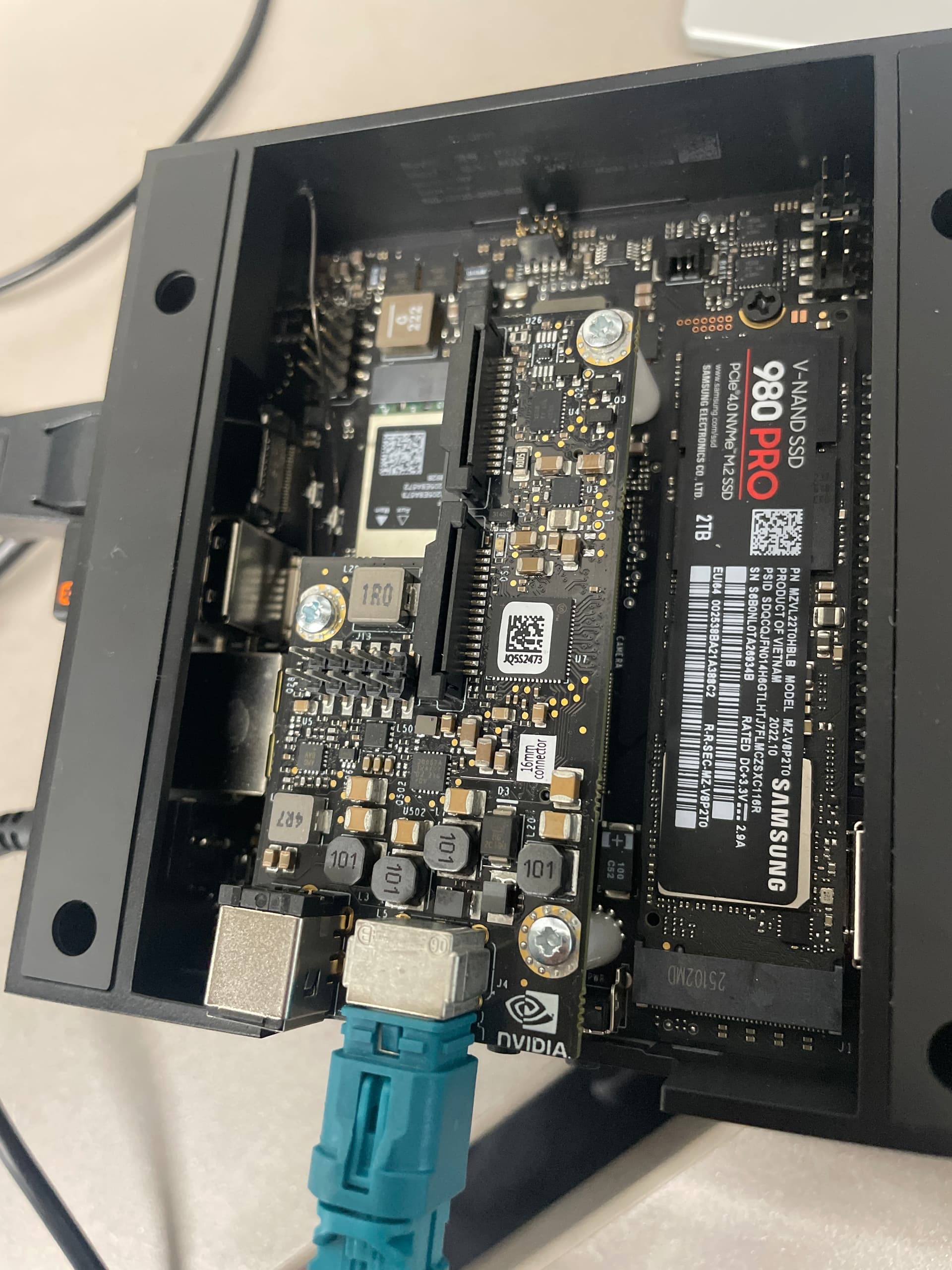
I have an issue with both my cameras. I’m using the JETSON AGX Orin with jetpack 6, ZED SDK for jetpack 6.1/6.2 and gmsl duo driver but both my camera ZED X and ZED X mini are not detected.
I tried again with the ZED X, everything works — the camera and the diagnostics are all checked and showing green.
But the problem only comes from the ZED X Mini, which is important for our project.
Can you help me fix the issue and understand why the ZED X Mini isn’t working while the ZED X is working?
Please connect both cameras, reboot the Jetson, do not modify the connections (GMSL2 is not plug-and-play).
Open a terminal, enter sudo ZED_Diagnostic -c and send the NEW content of the diagnostic file.
Please always remember that you cannot disconnect a camera, connect the other and expect that it’s detected because GMSL2 is not USB3.
If you change the hardware configuration you must reboot, or enter the command sudo service zed_x_daemon restart to re-initialize the driver.
opened ZED Explorer to test the camera. The ZED X works, but the ZED X Mini does not. It seems the camera is either not being detected or is unable to power on.
Hi @ahmed_NRC
The diagnostic report shows that two cameras are detected:
SN 40112304 ZED X
SN 53484389 ZED X Mini
Why do you say that the ZED X Mini is not working?
How are you trying to open it?
Do the Serial Numbers match the values reported on the label on the cameras?
When I connect the ZED X camera individually, I run the diagnostic tool to verify that everything is working, and then I open ZED Explorer to confirm that I am able to access the camera. Everything works perfectly with the ZED X.
However, with the ZED X Mini, when I connect it by itself and open ZED Explorer to see if the camera starts, nothing works. In the ZED Explorer tool, the interface freezes on “Starting the camera,” as if the GMSL board detects the camera but is unable to open it.
I also tried what you recommended—connecting both cameras at the same time. When I open ZED Explorer, it automatically opens the ZED X, which works. But when I switch to the ZED X Mini in the top-right camera selector (both cameras are correctly detected), the ZED X Mini does not open. The same issue occurs when it is connected alone.
hi,
I don’t know why, but I just plugged in my ZED X and nothing is being detected. The camera is properly connected as usual, but it’s not being detected at all. Here is the diagnostic output.
Have you plugged it when the Jetson was off and then you turned it on?
GMSL2 is not a plug and play protocol, you cannot change the hardware configuration without resetting the ZED X Driver as you normally do with USB devices.
When you unplug and replug a device you must call the command sudo service zed_x_daemon restart
and wait for the system to reconfigure.
We never recommend to perform hot plug and unplug, it’s better to perform this type of operation when the Jetson is turned off and the GMSL2 capture card not powered.