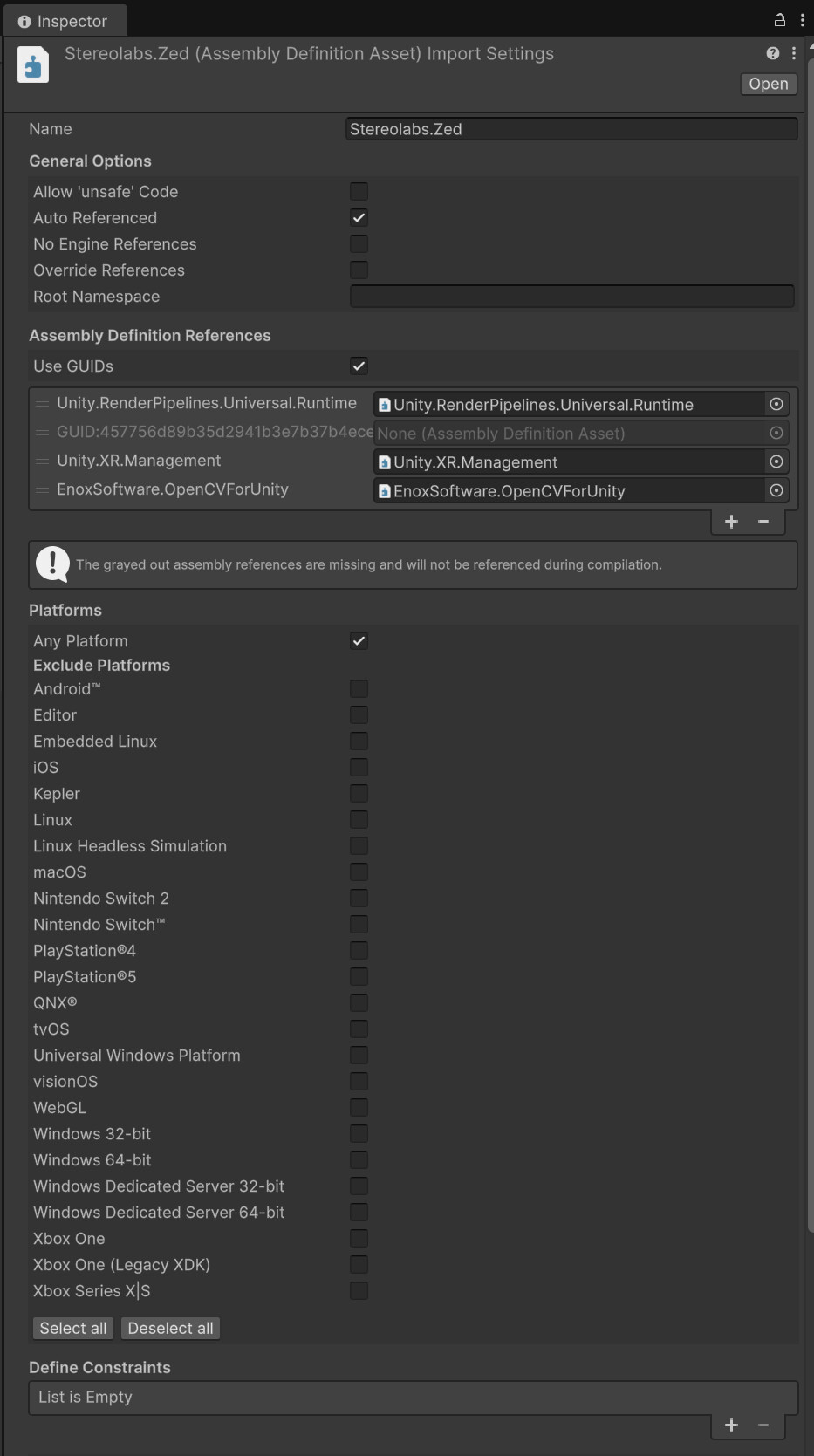
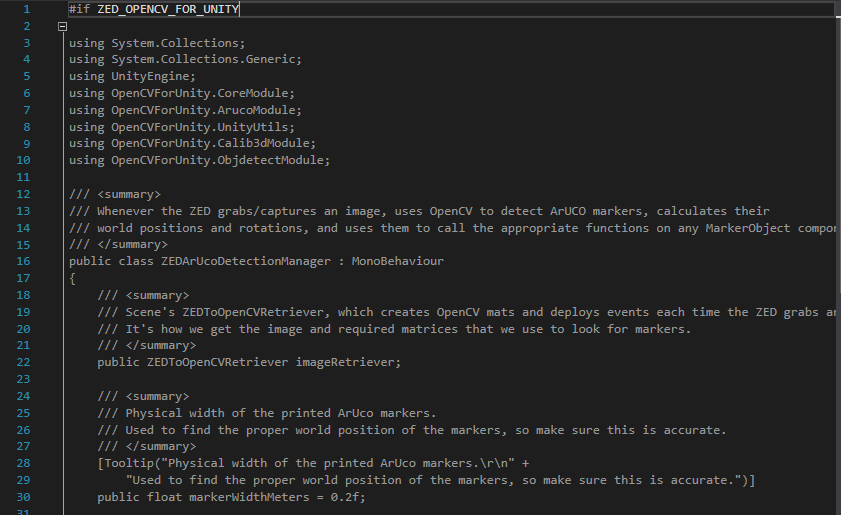
I am trying to run the sample scene “Simple Marker Placement” from the ZED SDK for Unity, but I am unable to get the ZED SDK to recognize that OpenCV is installed in the project. In the past, I have been able to get these two SDKs to work in various projects, so I am not sure where the current issue is coming from.
My current set up is:
OS: Windows 11
Unity Version: 600.3.9f1
ZED SDK Version: 5.4.1
ZED SDK for Unity Version: 5.4.0
OpenCV for Unity Version: 3.0.3 (paid version)
Target Build Platform: Windows
I’ve attached a screenshot of the StereoLabs.Zed Assembly Definition Asset. In the past, adding EnoxSoftware.OpenCVForUnity to the Assembly Definition References has resolved this issue, but that solution no longer seems to work. I’ve also attached a screenshot of the warning message and a snippet of the code from ZEDArUcoDetectionManager.cs showing that #if ZED_OPENCV_FOR_UNITY doesn’t equate to true so the code stays unactive
The assembly reference is required, but it is not what sets the symbol, so it cannot fix this alone. In plugin 5.4.0 the ZED_OPENCV_FOR_UNITY symbol is managed by ZEDDefineHandler.cs (SDK/Helpers/Scripts/Utilities/). It runs on every domain reload and after every asset import, and it looks for a loaded assembly whose name is exactlyopencvforunity:
csharp
const string OpenCVAssemblyName = "opencvforunity";
...
if (assembly.GetName().Name.Equals(name, System.StringComparison.OrdinalIgnoreCase))
If the assembly has a different name, for example EnoxSoftware.OpenCVForUnity as used by recent OpenCV for Unity releases, the comparison fails, so the define is never added; worse, RemoveDefine() strips it from the Player Settings if you add it by hand. This matches exactly the symptom you observe with OpenCV for Unity 3.0.3.
Two things to check and one workaround:
Select the OpenCV for Unity Assembly Definition Asset and read its Name field (or check the DLL name in Library/ScriptAssemblies/). That is the string the handler must match.
Make sure the reference is added to the assembly that actually contains ZEDArUcoDetectionManager.cs. When the samples are imported from the Package Manager, that is Stereolabs.Zed.Examples, not Stereolabs.Zed.
Patch the handler. Since the plugin comes as a UPM package, copy it from Library/PackageCache/com.stereolabs.zed@.../ into your Packages/ folder to make it editable (or add it as a local package from a clone of GitHub - stereolabs/zed-unity: ZED SDK Unity plugin · GitHub), then either set OpenCVAssemblyName to the real name, or relax the test:
if (assembly.GetName().Name.IndexOf("opencvforunity", System.StringComparison.OrdinalIgnoreCase) >= 0)
    return true;
Note also that the symbol is written only for the active build target group, so keep the target platform on Windows while the Editor performs the check.
I am reporting the assembly name matching internally so that the detection becomes robust to the OpenCV for Unity 3.x naming in a next plugin release.