Dear,
We recently bought a ZED-Mini camera the depth filtering works great, but we have a pressing intermittent issue.
Quite often the follow error occurs:
(Argus) Error FileOperationFailed: Cannot create camera provider (in src/rpc/socket/client/SocketClientDispatch.cpp, function createCameraProvider(), line 107)
[ZED-X][Warning] Failed to connect to zed_x_daemon.
[2026-01-16 11:55:42 UTC][ZED][INFO] [Init]  Camera successfully opened.
[2026-01-16 11:55:42 UTC][ZED][INFO] [Init]  Camera FW version: 1523
[2026-01-16 11:55:42 UTC][ZED][INFO] [Init]  Video mode: HD2K@15
[2026-01-16 11:55:42 UTC][ZED][INFO] [Init]  Serial Number: S/N 15847630
[2026-01-16 11:55:42 UTC][ZED][INFO] [Init]  No calibration file found for SN 15847630. Downloading...
[2026-01-16 11:55:43 UTC][ZED][INFO] [Init]  Calibration file downloaded.
[2026-01-16 11:55:43 UTC][ZED][INFO] [Init]  Depth mode: NEURAL PLUS
Optimized model not found, trying to download it...
[2026-01-16 11:55:45 UTC][ZED][INFO] AI model not found, downloading
/usr/local/zed/reso 100%[===================>]  26.40M  4.58MB/s    in 13s     cal/zed/reso  58%[==========>         ]  15.35M  2.62MB/s    eta 9s
[2026-01-16 11:55:59 UTC][ZED][INFO] Please wait while the AI model is being optimized for your graphics card
 This operation will be run only once and may take a few minutes
 Optimizing neural_depth_5.3 / 0.9% [>                   ] ETA: 5min 46s         Trying to download model timing cache to speed up optimization process...
 Optimizing neural_depth_5.3 \ 90.1% [==================> ] ETA:[2026-01-16 12:13:07 UTC][ZED][INFO] Logging level INFO=========>    ] ETA: 1min 26s
(Argus) Error FileOperationFailed: Connecting to nvargus-daemon failed: No such file or directory (in src/rpc/socket/client/SocketClientDispatch.cpp, function openSocketConnection(), line 205)
(Argus) Error FileOperationFailed: Cannot create camera provider (in src/rpc/socket/client/SocketClientDispatch.cpp, function createCameraProvider(), line 107)
[ZED-X][Warning] Failed to connect to zed_x_daemon.
Traceback (most recent call last):
  File "/workspace/passengerimagepreprocessor.py", line 194, in <module>
    serve()
  File "/workspace/passengerimagepreprocessor.py", line 168, in serve
    camera, runtime_params = _open_camera()
  File "/workspace/passengerimagepreprocessor.py", line 83, in _open_camera
    raise RuntimeError(f"Failed to open ZED camera: {status}")
RuntimeError: Failed to open ZED camera: CAMERA STREAM FAILED TO START
ZED-Mini
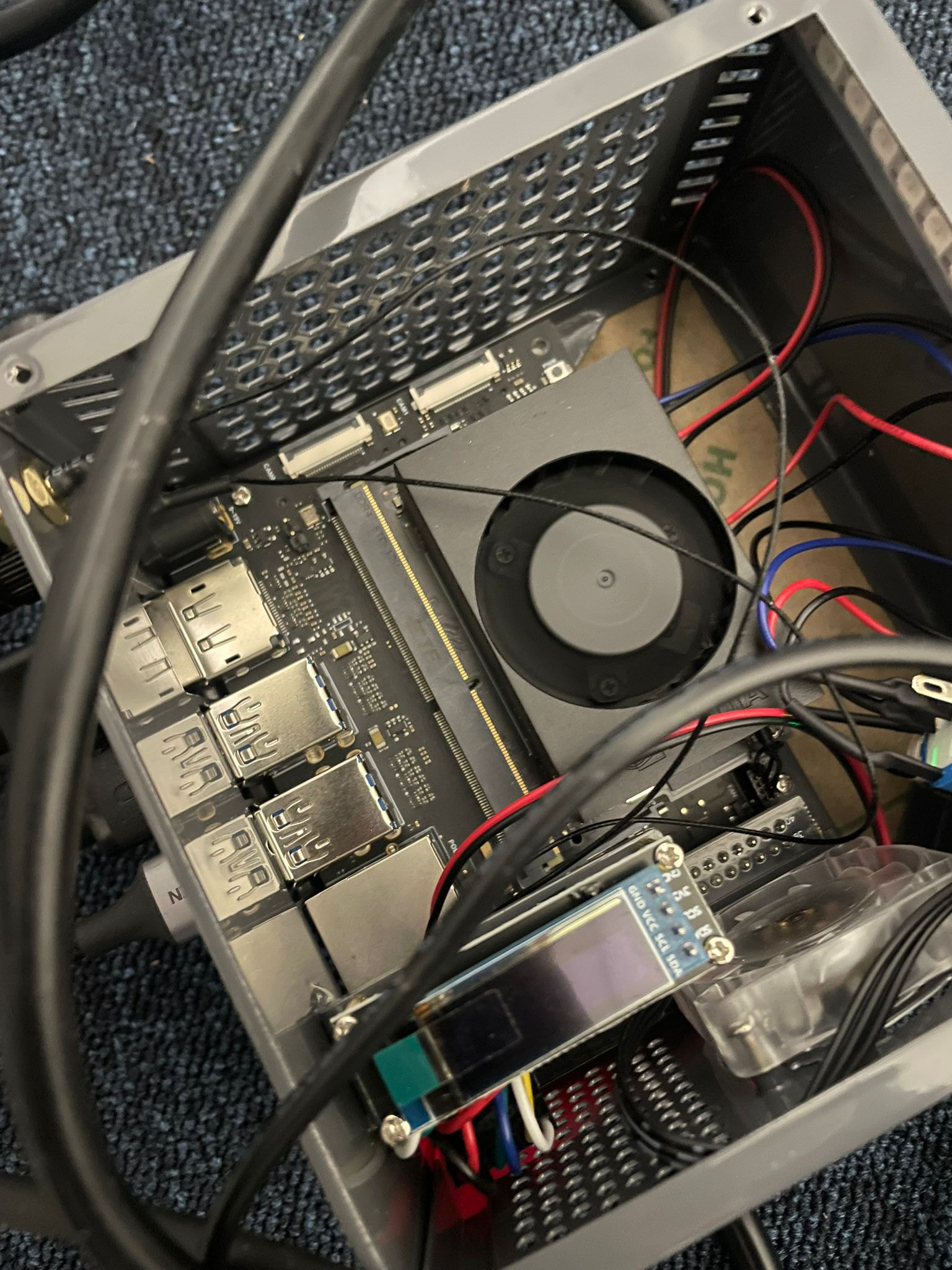
OS: Ubuntu 22.04
Jetson Orin Nano 8GB: # R36 (release), REVISION: 4.2, GCID: 38685322, BOARD: generic, EABI: aarch64, DATE: Fri Dec 13 00:16:27 UTC 2024
Dockerfile configuration:
FROM stereolabs/zed:5.1-runtime-jetson-jp6.1.0
WORKDIR /workspace
RUN python3 -m pip install --no-cache-dir pillow
COPY . .
CMD ["python3", "-u", "passengerimagepreprocessor.py"]
Create options:
"createOptions": "{\"HostConfig\": {\"Runtime\": \"nvidia\", \"Privileged\": true, \"ShmSize\": 67108864, \"Ulimits\": [{\"Name\": \"memlock\", \"Soft\": -1, \"Hard\": -1}, {\"Name\": \"stack\", \"Soft\": 67108864, \"Hard\": 67108864}], \"DeviceRequests\": [{\"Count\": -1, \"Capabilities\": [[\"gpu\"]]}], \"Binds\": [\"/var/run/preprocessor:/var/run/preprocessor\"]}}"
Notes:
- We use the official USB connector.
- Sometimes changing the USB port, resolves the issue.
- Using a reboot loop, does not resolve the issue.
- Using a different USB cable does not resolve the issue.
Diagnostic log WILL BE ADDED TODAY