Hi Stereolabs Team,
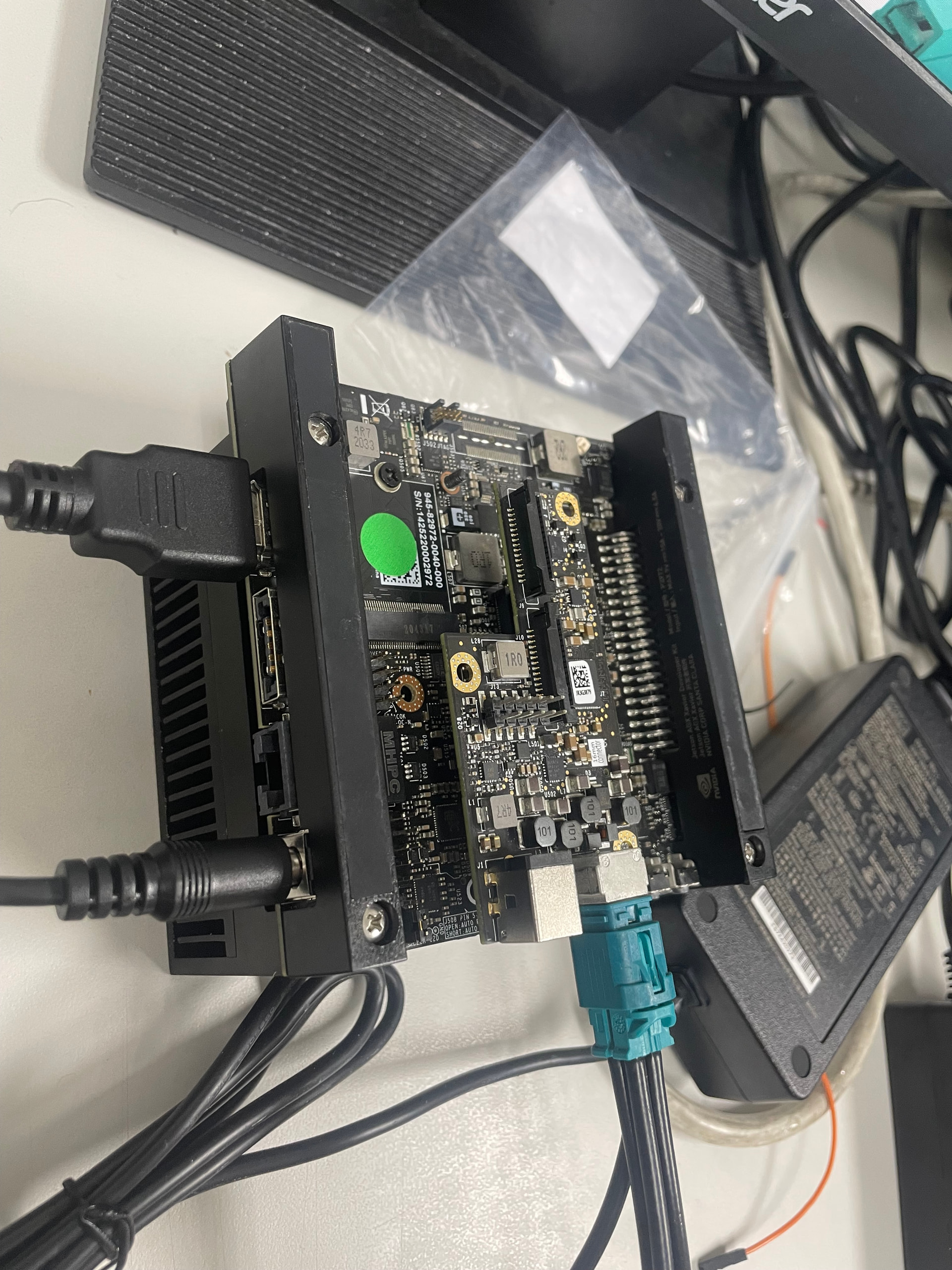
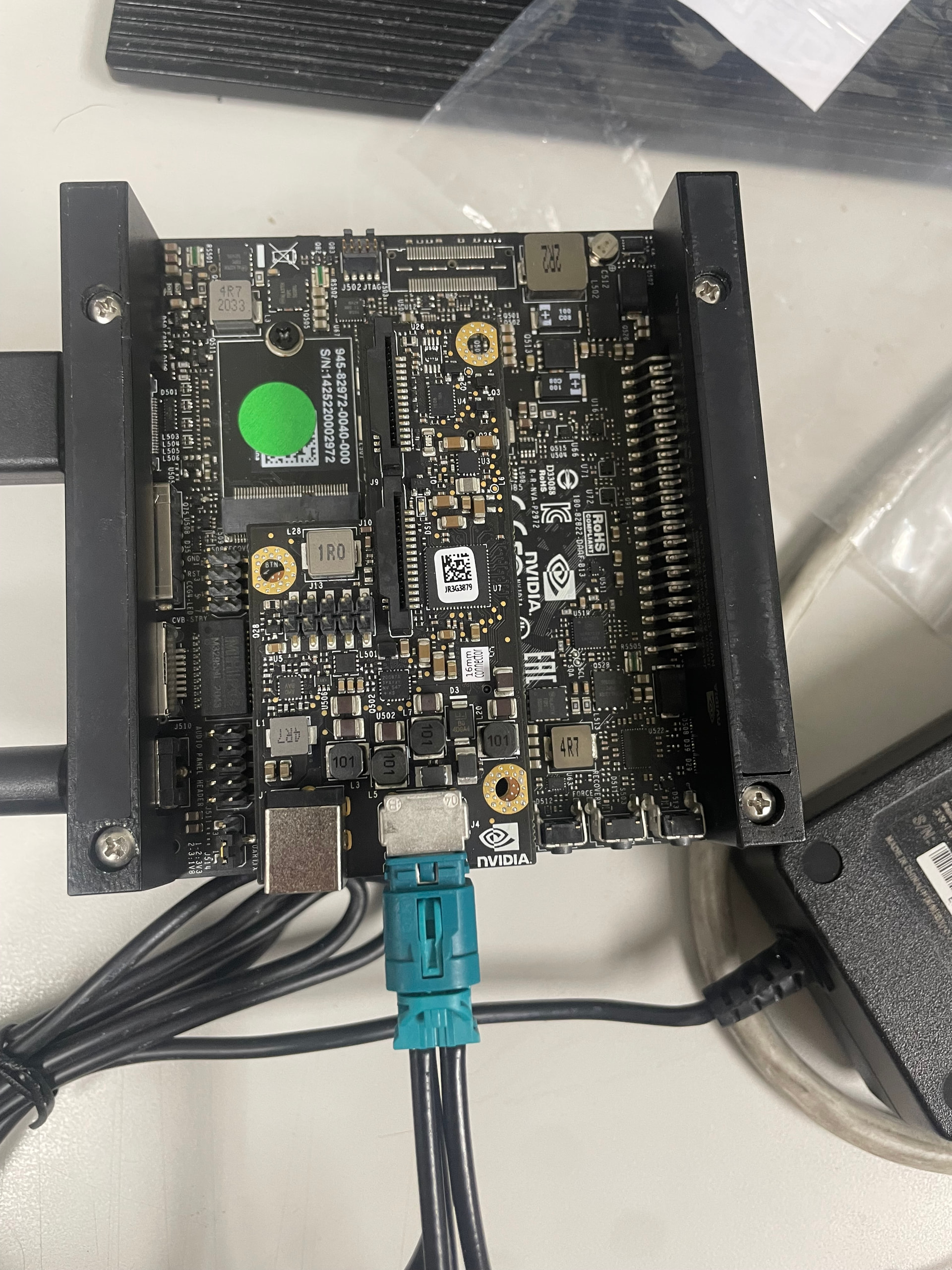
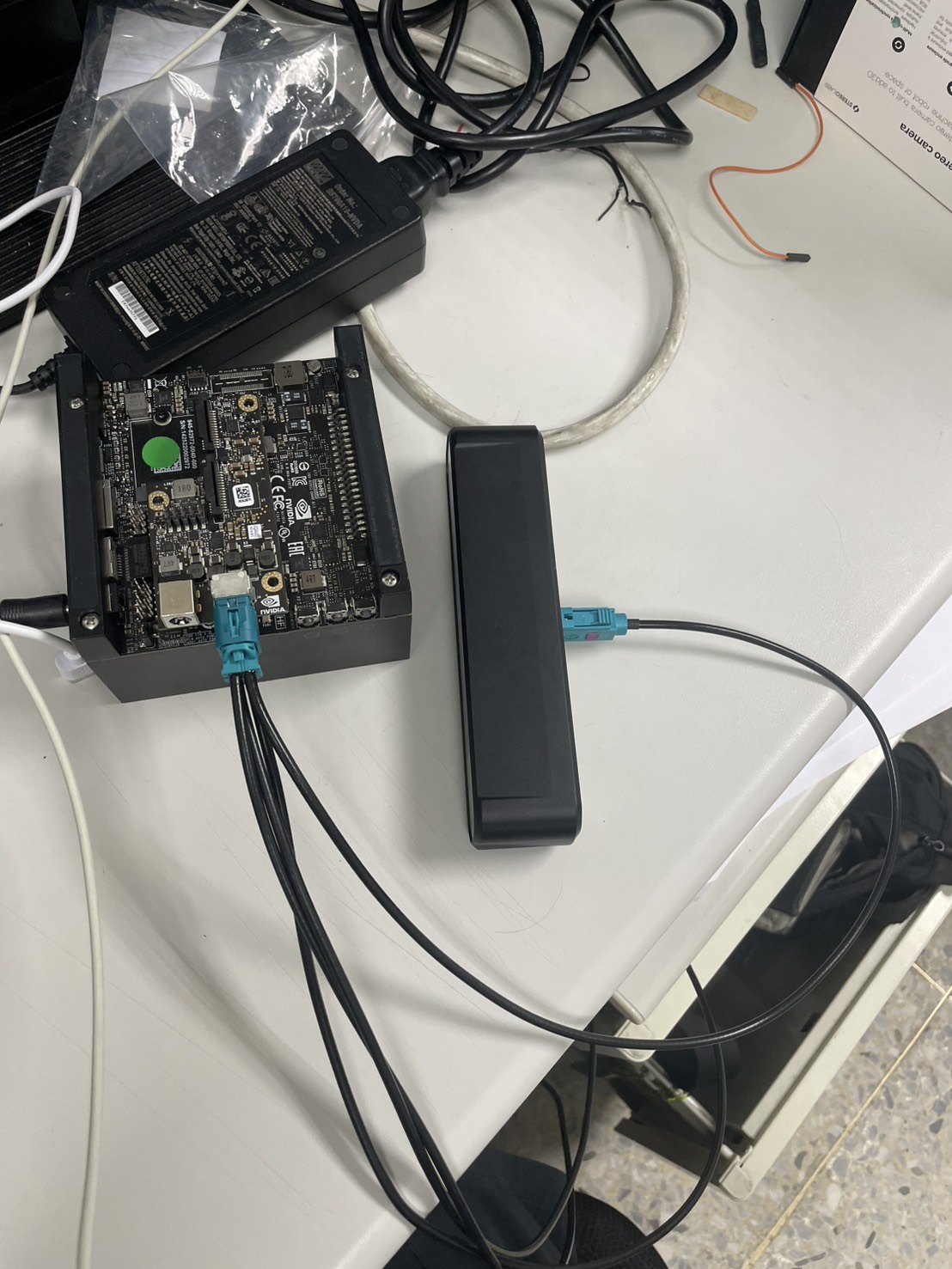
I am having trouble getting my ZED X camera to work with the ZED Link Duo capture card on an NVIDIA Jetson AGX Xavier Developer Kit. The system cannot detect any signal from the camera.
When I power on the AGX Xavier, the DS1 LED on the ZED Link Duo card lights up and stays on for approximately 10 seconds during the early boot stage. However, right around the time the system transitions into loading the OS/kernel, the DS1 LED turns completely off and remains dead.
Here are my system specifications and the symptoms I’ve observed:
System Specs:
-
Hardware: Jetson AGX Xavier Developer Kit + ZED Link Duo
-
Camera: ZED X
-
JetPack Version: 5.1.2 (L4T 35.4.1)
-
ZED SDK Version: 4.1.0
-
Driver Installed:
stereolabs-zedlink-duo_1.4.2-LI-MAX96712-L4T35.4.1_arm64.deb
Symptoms & Troubleshoot Steps Done:
-
extlinux.confCheck: I have verified that the FDT is correctly pointed to/boot/stereolabs/tegra194-p2888-0001-p2822-0000.dtbas required by the.debdriver installer. -
Driver Status:
lsmod | grep zedxshows thatsl_zedx,sl_max96712, and other relevant modules are successfully loaded. -
The Core Issue (Hardware/Power): * When booting up the AGX Xavier, the DS1 LED on the ZED Link Duo card flashes once and then turns completely off.
-
sudo dmesg | grep zedxreturns absolutely nothing (no bound messages, no error messages). -
sudo i2cdetect -y -r 3and6show a completely empty matrix (all--).
-
Isolation Test Result:
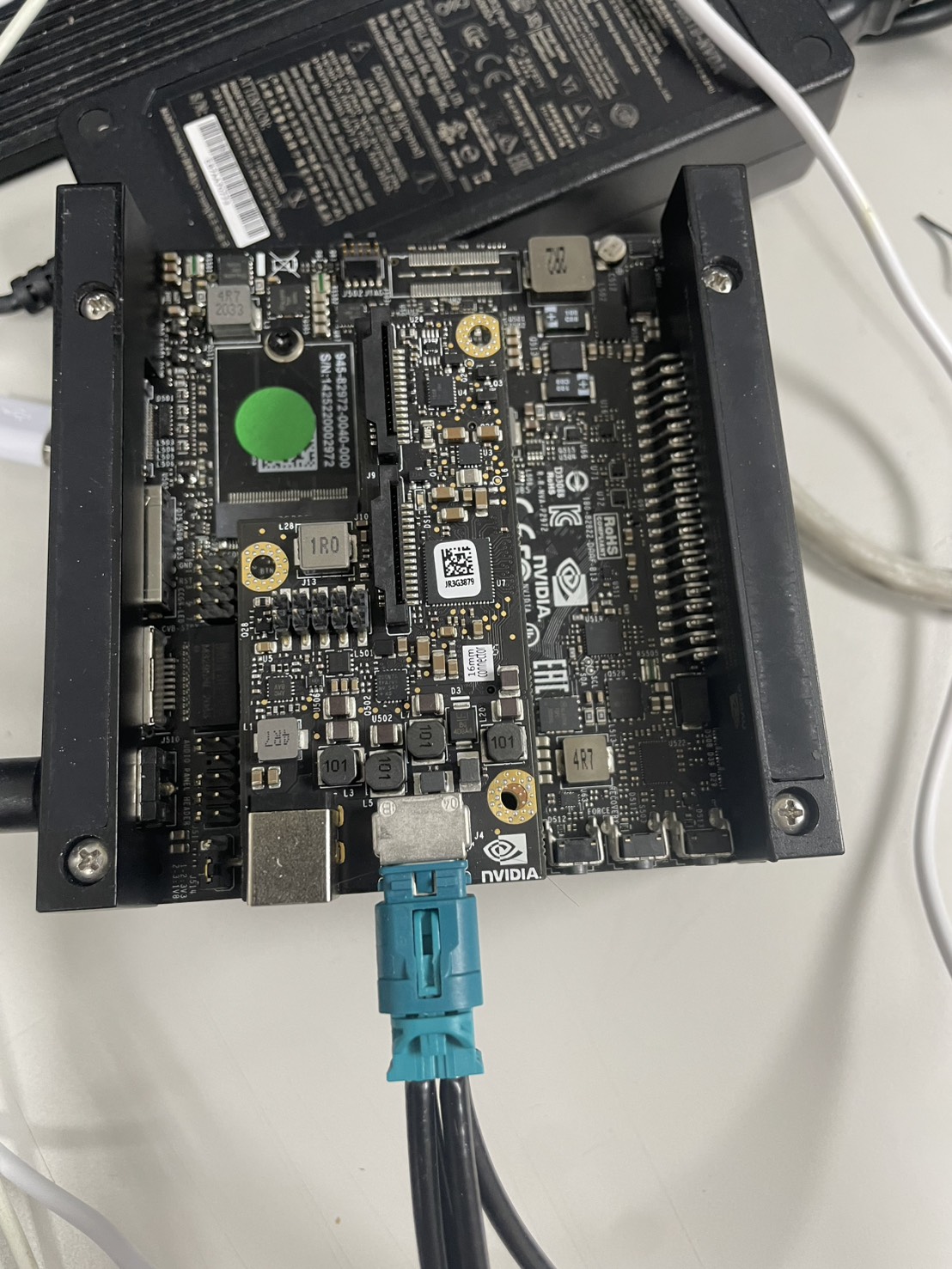
I performed an isolation test by unplugging the ZED X Fakra cable and booting the AGX Xavier with only the bare ZED Link Duo card attached:
The behavior remains exactly the same. Even without the camera connected, the card cannot maintain power.
Could you please advise if this indicates a hardware defect/short circuit on the ZED Link Duo card itself, or if there is any specific firmware/power configuration I missed?
Thanks for your help!