Hi,
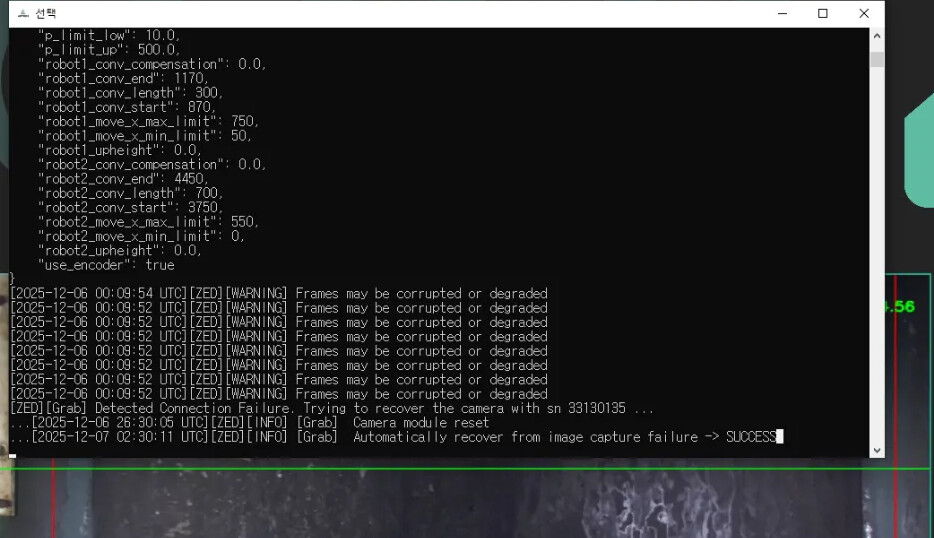
We are using Zed 2i Stereo Camera (Polarizer:With FOV:2.1mm). But we met below two issues.
- Camera Freezing During Operation
■ Environment
- OS: Windows 10
- ZED version 5.0.5+gpu5070 / ZED version 5.0.2+gpu4070 / ZED version 4.2.1+gpu4070
■ Symptoms
- The camera suddenly stops updating the video feed during operation.
- The issue is not resolved until the application is restarted or the camera is reconnected.
■ Frequency of Occurrence
- In some cases, it occurs within approximately 30 minutes.
- In other cases, it occurs after more than 7 days of normal operation.
- A clear pattern regarding specific times or conditions has not yet been identified.
Attachment: Image file showing the frozen state.
- Abnormal Camera Video Contrast/Brightness
■ Environment
- OS: Windows 10
- ZED version 5.0.5+gpu5070
■ Symptoms
- Occurs at startup.
- Despite the same environment, the video contrast and overall brightness change abnormally.
- Excessively dark or contrast-broken video is output.
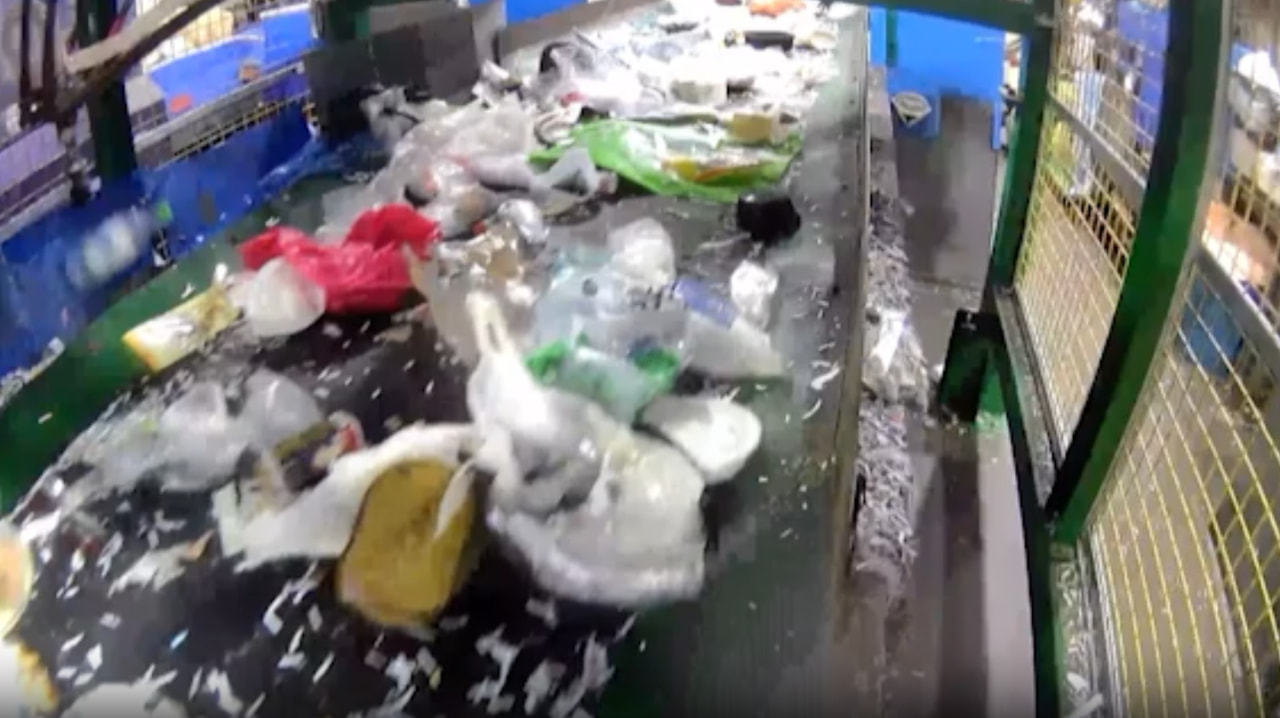
- Refer to the normal video and the video when the abnormality occurs.
Attachment:
Video file showing the abnormal phenomenon
Normal video image (or video) file Version 5.0.5+gpu5070
■ Symptoms
-
Occurs at startup
-
Despite the same environment, the contrast and overall brightness of the video change abnormally.
-
The output video is excessively dark or has broken contrast.
-
Refer to the normal video and the video where the problem occurred.
-
Attachments:
Video file exhibiting the abnormal behavior
- Normal video image file
Thanks,
Best regards,