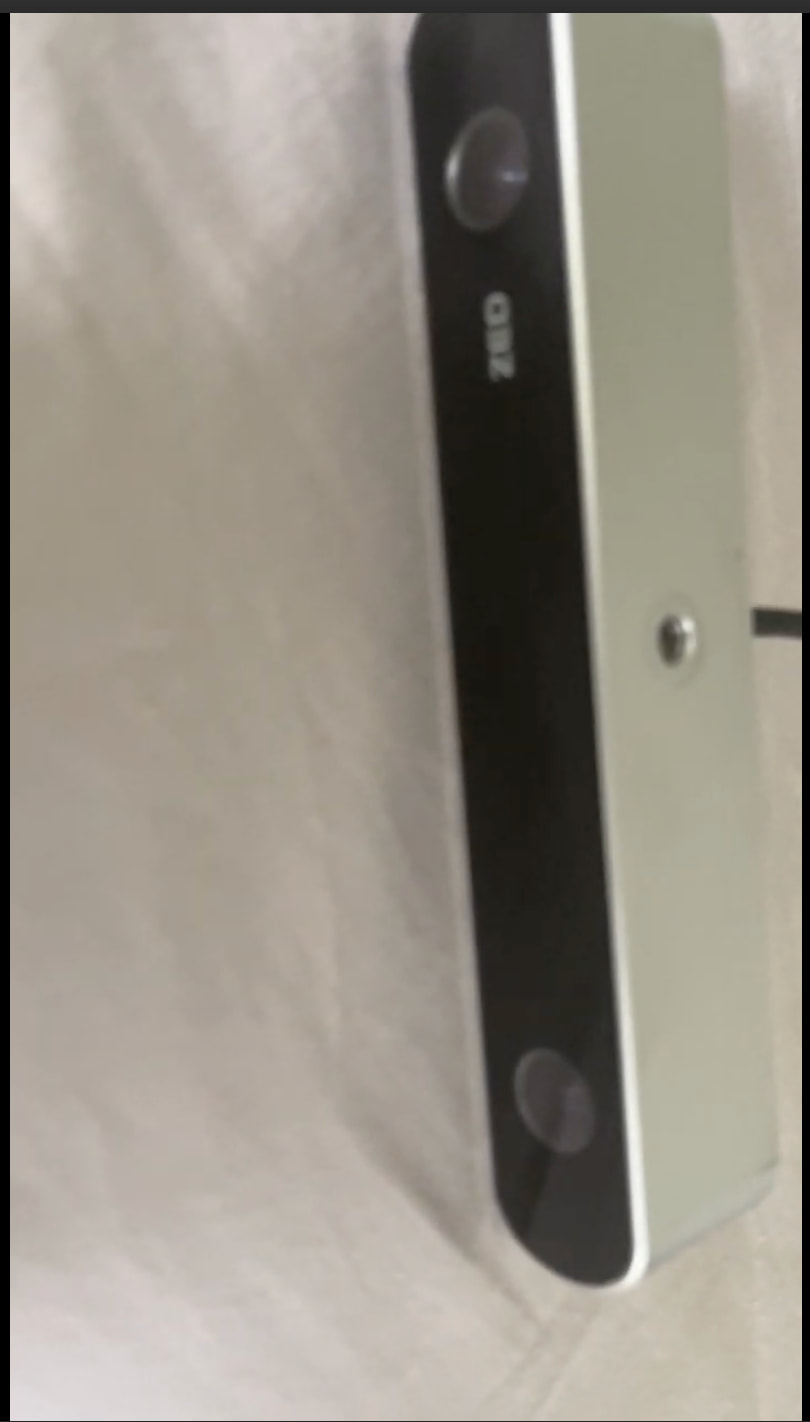
I recently tried running one of the ZED tutorials on a Jetson Nano using legacy ZED binocular camera hardware (I think it’s the ZED 2), and have encountered a persistent camera calibration error. This error persisted despite redownloading the standard calibration file as well as trying to manually calibrate the camera via the ZED Calibration program multiple times. Do you know of any workarounds for this issue?
Error Message:
ubuntu@ubuntu-desktop:/usr/local/zed/samples/tutorials/tutorial 2 - image capture/python$ python3 image_capture.py
[2025-11-14 17:26:06 UTC][ZED][INFO] Logging level INFO
[2025-11-14 17:26:07 UTC][ZED][INFO] Using USB input… Switched to default resolution HD720
[2025-11-14 17:26:07 UTC][ZED][INFO] [Init] Camera successfully opened.
[2025-11-14 17:26:07 UTC][ZED][INFO] [Init] Camera FW version: 1142
[2025-11-14 17:26:07 UTC][ZED][WARNING] [Init] A new firmware is available. You can update to the latest firmware by using ZED Explorer
[2025-11-14 17:26:07 UTC][ZED][INFO] [Init] Video mode: HD720@30
[2025-11-14 17:26:07 UTC][ZED][INFO] [Init] Serial Number: S/N 2151
[2025-11-14 17:26:07 UTC][ZED][ERROR] [Init] Wrong value in calibration file. Downloading it…
[2025-11-14 17:26:08 UTC][ZED][INFO] [Init] Invalid calibration file. Recalibrate your camera using ZED Calibration tool or download your calibration file on https://calib.stereolabs.com (https://calib.stereolabs.com/)
[2025-11-14 17:26:08 UTC][ZED][ERROR] INVALID CALIBRATION FILE in sl::ERROR_CODE sl: :open(sl::InitParameters)
Camera Open : INVALID CALIBRATION FILE. Exit program.