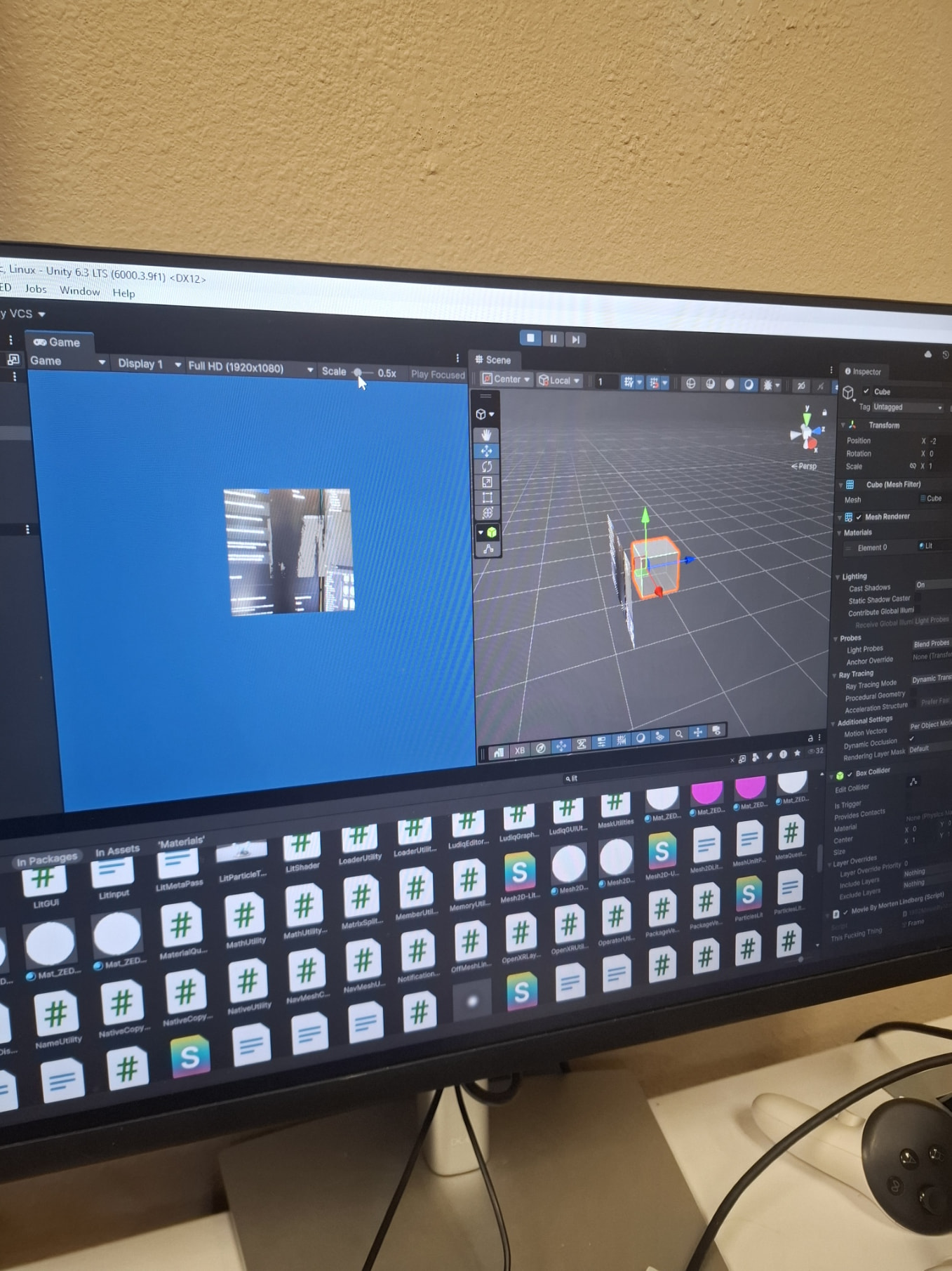
Hi, I’m working on implementing a passthrough window into a VR application I am developing. However, in the screenshot that I am attaching, you can see the cube behind the passthrough which is not my intention. I want to implement the passthrough OVER the digital objects and not have them visible if they are behind it. I tried enabling/disabling various options in ZED Manager script, including turning the Depth Occlusion setting on or off under AR Passthrough Settings but that didn’t seem to work.
Hi @smietanr
can you please record a video showing this problem and point the camera to something other than your screen?
The main idea behind the application that I’ll be developing would be to create a passthrough window to make the physical flight yoke visible when you’re in VR.
it’s clearly a depth estimation issue. What depth mode are you using ?
you can also try to change the confidence, it might help

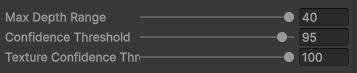 These are my settings.
Whenever I reduce any of those values, the cube becomes more visible.
And I’m using the Ultra Depth Mode
Bit of an update. Cranked up the confidence threshold to 100 and fiddled around with different depth modes. I ended up using Neural.
The cube is now no longer visible except when I outstretch my hand forward or whenever I point the camera at brighter surfaces.
See above.
Also, whenever I tried to use Zed_Rig_Stereo instead of Mono, my VR view is pitch black for some reason. I tried it with Multi-Pass and Single-Pass.
hmm the pitch black stereo view sounds like a different problem from the clipping, at least mono gives you something. did multi-pass vs single-pass change anything there?
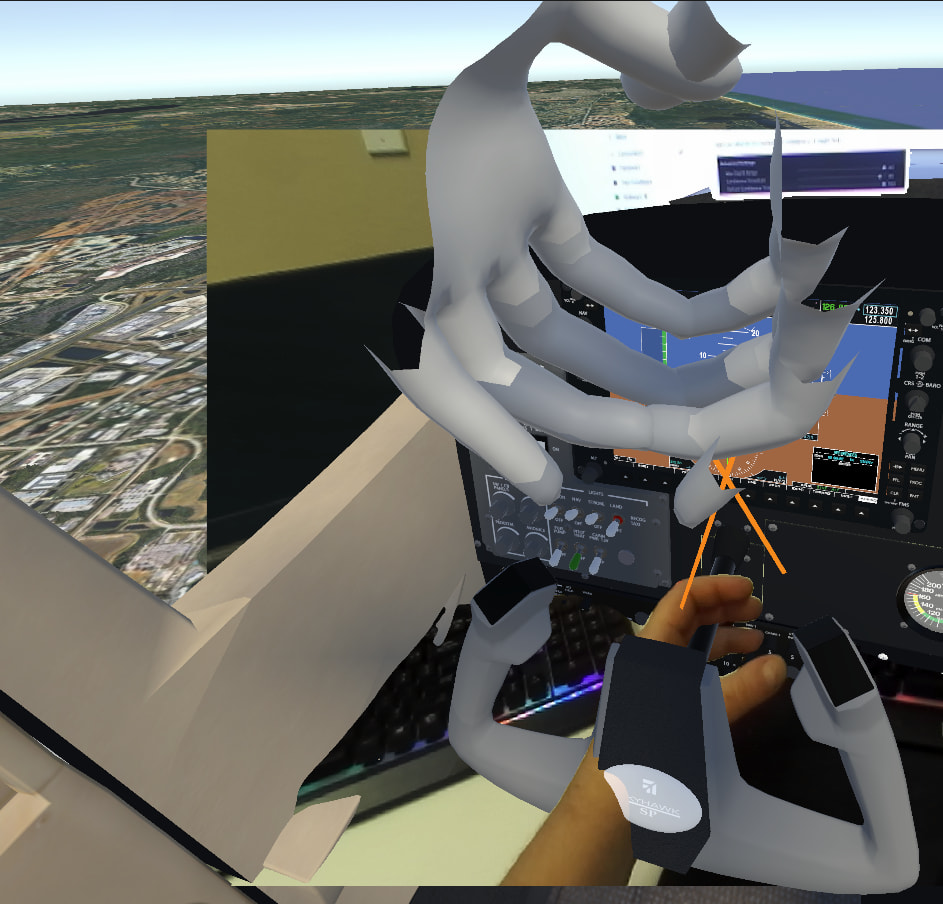
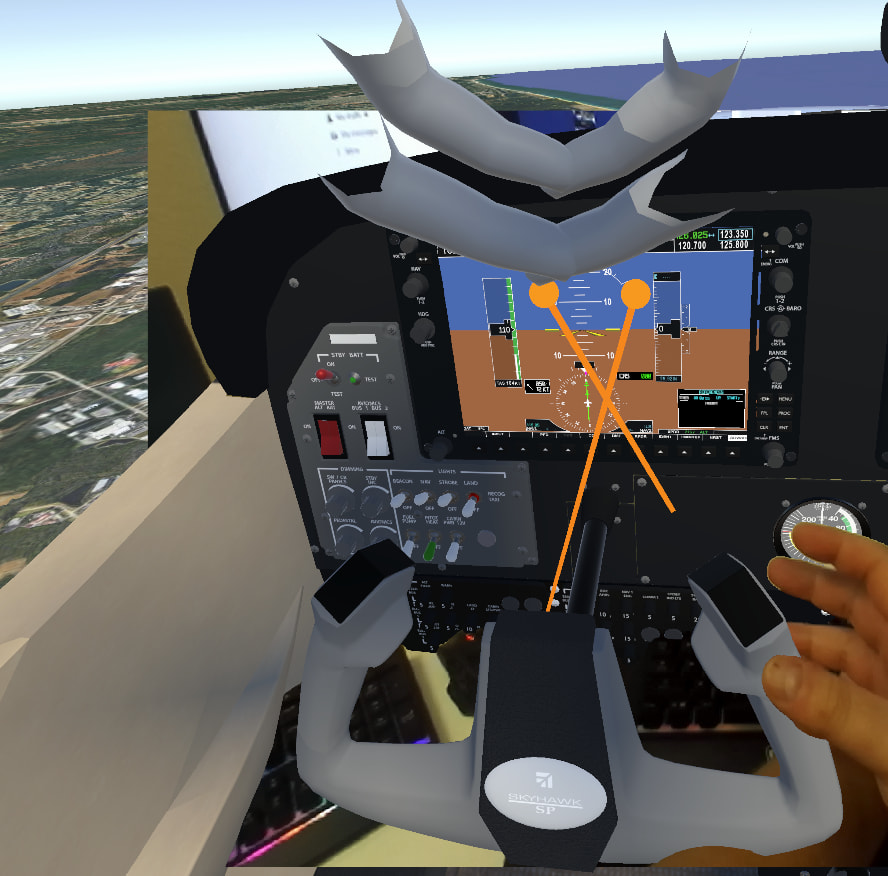
I managed to get the passthrough to work, but I am now having a different issue. I’m attaching the screenshots below. The passthrough is working quite nicely when I am in the cockpit. But I want to make it so that the passthrough doesn’t render when there’s nothing behind it (i.e. the skybox) for immersion purposes. I was wondering if there’s a setting or something that could be enabled that could make it work? I tried to play around with Depth Range/Confidence Threshold, and also tried tweaking the max depth range in the Mat_ZED_Forward_Lightning_URP but nothing seems to work. (Ignore the floating hands. That’s just a leftover from an obsolete VR player that we are yet to remove)
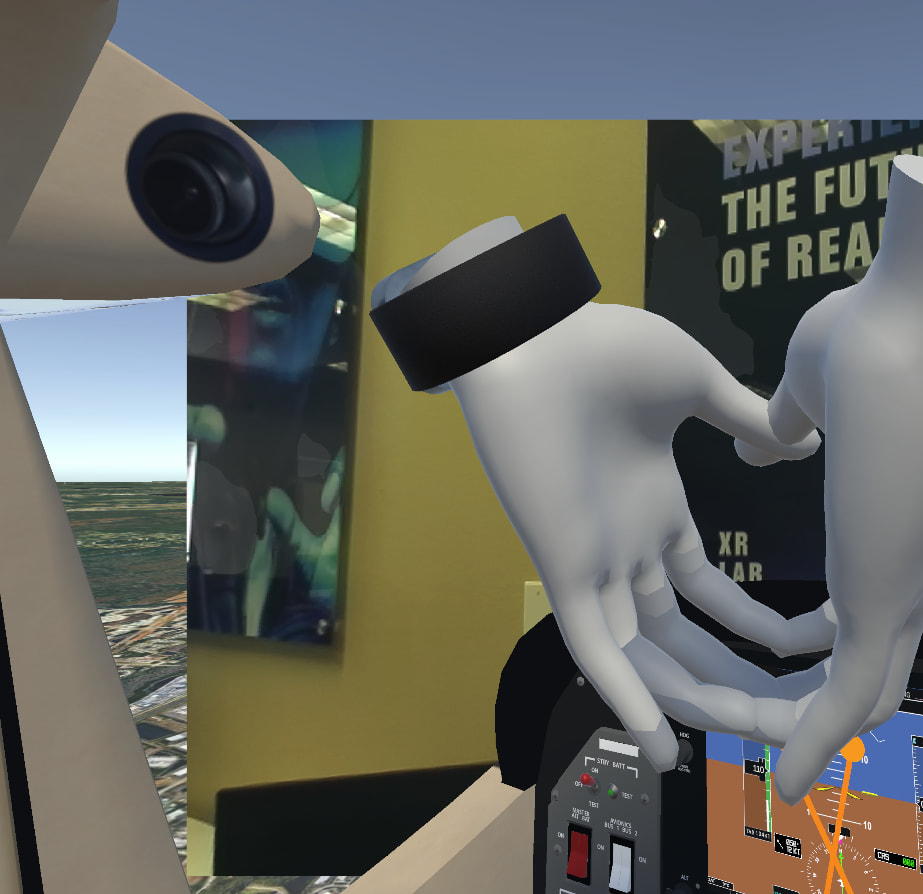
Hi,
I think you can :
- Lower the “Max Depth Range”
- Still, in the Advanced Settings, untick “Grey Out Skybox on Start”
- And, On the Cameras attached to the ZED_Rig Prefab, set the Clear Flag to “Skybox”
Okay. I set the Max Depth Range to 0.5 and unticked the setting that you mentioned.
I’m in URP so I don’t have that “Clear Flag” option, but it seems to be working fine. Thank you!