Hello,
I have a ZED Box Orin NX 16GB running JetPack 6.2 / L4T 36.4.3.
The device stopped booting. The current behavior during boot is:
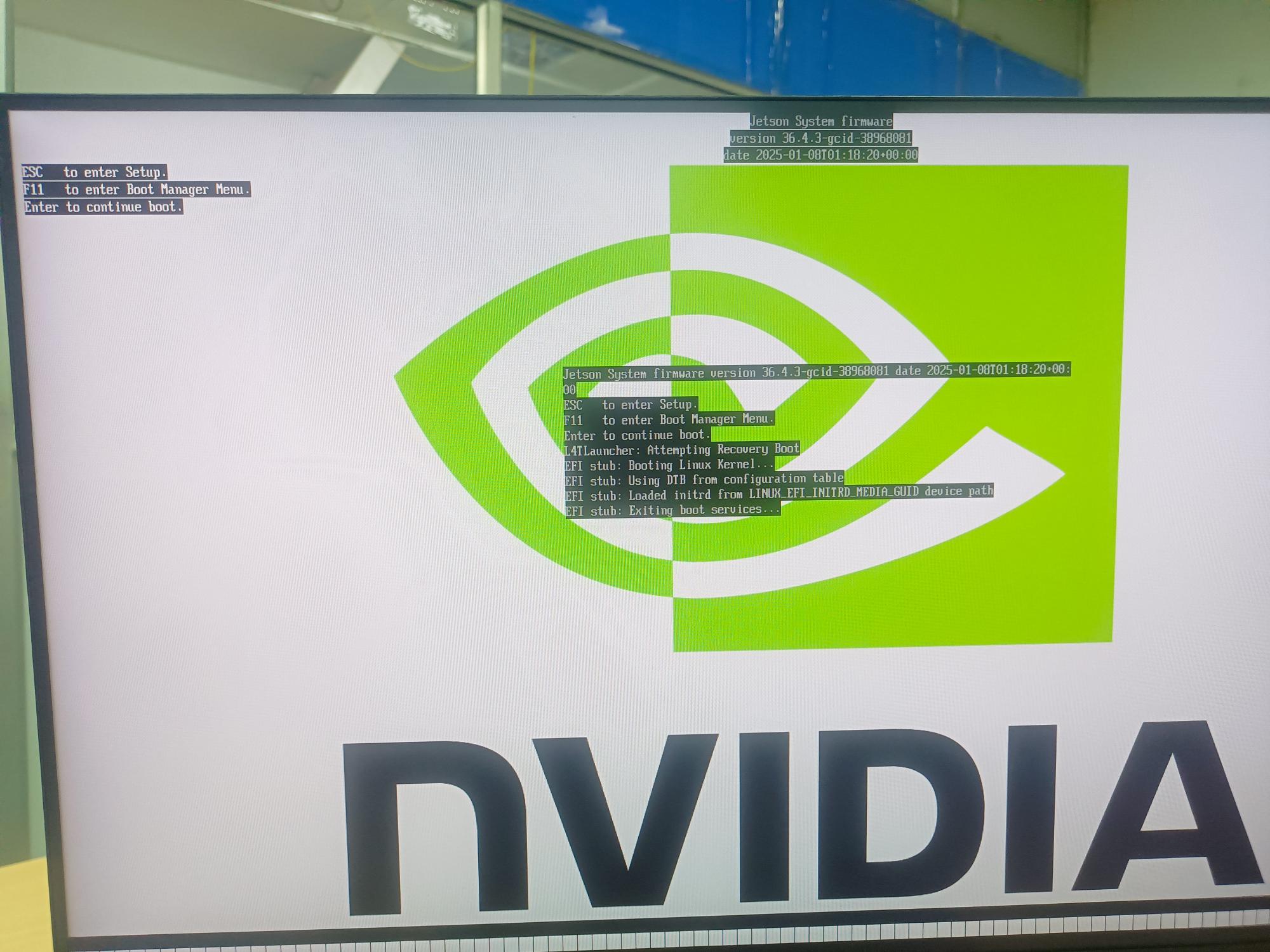
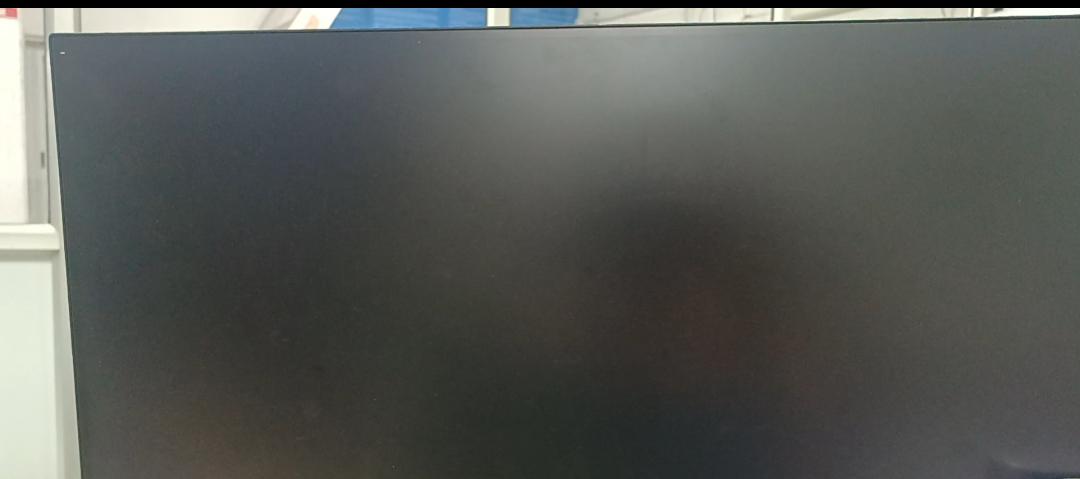
NVIDIA logo → black screen → continuously blinking _
During this blinking stage, the power LED remains green. I have tried to do ssh, but it did not work.
I have performed the troubleshooting/recovery procedures described in your documentation My observations are:
-
UEFI is accessible and functioning.
-
The Orin NX 16GB and 16197 MB RAM are detected in UEFI.
-
The internal NVMe SSD is detected by UEFI.
-
I created the official JetPack 6.2 recovery USB using zedbox_all_usb_flash_6.2.sh.
-
The recovery USB is detected by UEFI.
-
Running EFI\BOOT\BOOTAA64.efi manually starts and it displays the following:
L4TLauncher: Attempting Recovery Boot
EFI stub: Booting Linux Kernel…
EFI stub: Using DTB from configuration table
EFI stub: Loaded initrd from LINUX_EFI_INITRD_MEDIA_GUID device path
EFI stub: Exiting boot services…
The system then hangs with a blinking _.
I have also tried the live-USB Force Recovery procedure using the USB-A port.
However: lsusb -d ‘0955:’ , never detects the expected Orin NX 16GB recovery device: 0955:7323.
The Micro-USB OTG port also does not enumerate as /dev/ttyACM0 on an Ubuntu 22.04 host. The same host USB port successfully detects other USB devices.
I also noticed that the UEFI RTC had reset to: 01/01/1970
I corrected the date/time, but the boot problem remained.
The device also becomes noticeably warm during these recovery attempts.
The most important point: I have important data on the internal NVMe and do not want to erase/reflash it before attempting data recovery.
Could you please advise whether this indicates a hardware/bootloader issue and provide the recommended procedure for backing up the internal NVMe data before any reflash/recovery? How should I get the ZED Box working again?
I can provide photographs of the UEFI screens, recovery boot output, serial/USB tests, and the recovery USB configuration if required.
Thank you.