We’re a group of students at Østfold University College in Norway doing a project in robotics. The project builds upon previous work done by other groups. We are using the ZED 2 camera, and the HTC Vive Pro 1 set. Everything is connected through Unity, and the version is 2021.3.18. The ZED sdk we’re using is also 4.1 since that’s what were used by the other groups.
When we run the program in Unity we can see what the camera shows through the feed in Unity. Also when we wear the VR headset we can see the output of the camera but it’s just a small windows that shows it which is not comfortable, and the position of it is static as well. we are wondering if it’s possible to achieve passthrough with the ZED 2 camera, and if so, what are we supposed to do in order for that to work. Is there something we have to adjust in the settings? We’ve tried many different things, but nothing seems to work for us.
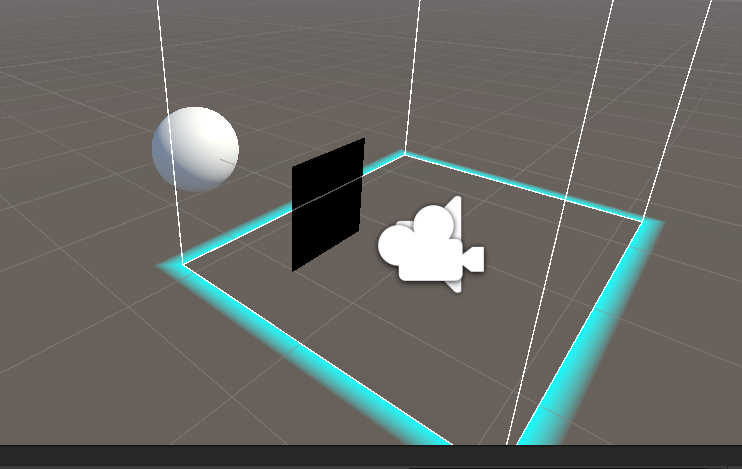
We will also attach some images of how it looks in Unity and so on, to make it easier for you to understand what we mean. In the image you can see a black square. That’s where we see what the camera shows through the VR headset.
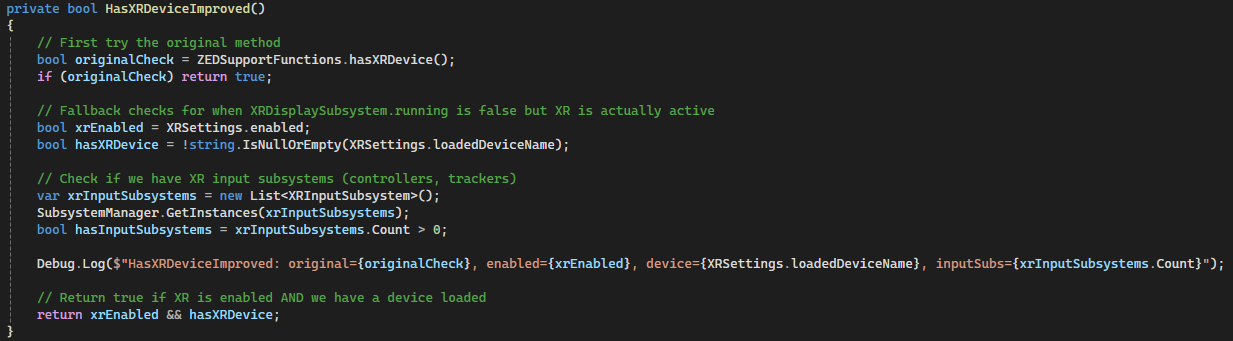
If anyone has the same problem. There’s a function in the ZED manager file called ZEDSupportFunctions.hasXRDevice(). We switched that with one we made ourselves called HasXRDeviceImproved().
I will upload an image of the code and paste the code itself aswell:
private bool HasXRDeviceImproved()
{
// First try the original method
bool originalCheck = ZEDSupportFunctions.hasXRDevice();
if (originalCheck) return true;
// Fallback checks for when XRDisplaySubsystem.running is false but XR is actually active
bool xrEnabled = XRSettings.enabled;
bool hasXRDevice = !string.IsNullOrEmpty(XRSettings.loadedDeviceName);

// Check if we have XR input subsystems (controllers, trackers)
var xrInputSubsystems = new List<XRInputSubsystem>();
SubsystemManager.GetInstances(xrInputSubsystems);
bool hasInputSubsystems = xrInputSubsystems.Count > 0;

Debug.Log($"HasXRDeviceImproved: original={originalCheck}, enabled={xrEnabled}, device={XRSettings.loadedDeviceName}, inputSubs={xrInputSubsystems.Count}");

// Return true if XR is enabled AND we have a device loaded
return xrEnabled && hasXRDevice;