Hi, I have some issues with launching the UE Sample Project in Visual Studio.
I use ZED SDK 4.0.8 and UE5 Plugin - V1.8 with Unreal Engine 5.3.2.
What I did was generating Visual Studio project files from the ZEDSamples.uproject and afterwards opened the .sln file with Visual Studio 2022 and got the following errors:


Try deleting the “Binaries” and “Intermediate” folders, along with the .sln file.
Then, right click the .uproject and regenerate the solution, make sure that your game project is the startup project (right-click → set as startup project in the solution explorer), and try building again.
If there still are errors, please post the full logs from the console (the “output”, not the errors) please.
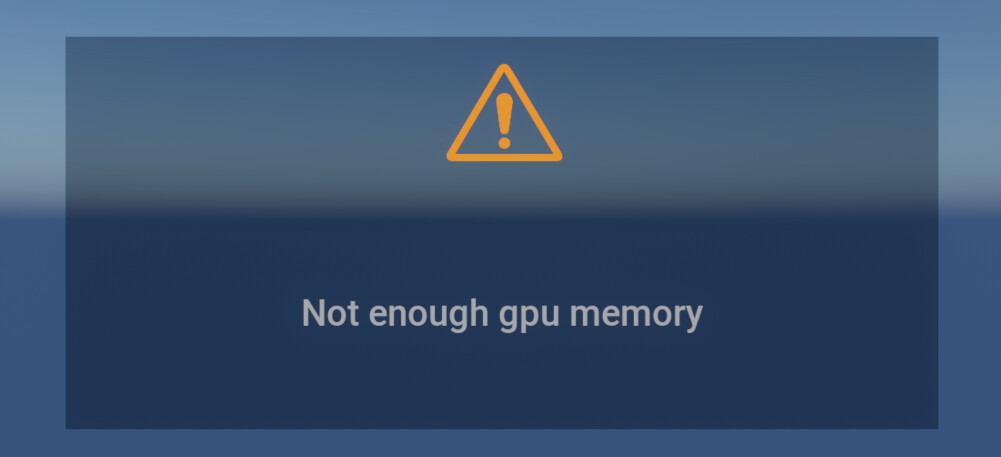
I don’t know if it’s Unreal or the SDK, but it seems there is not enough VRAM to share between them.
You can try to lower the graphics settings in Unreal Engine and use less demanding AI models and algorithms on the ZED SDK side (HUMAN_BODY_FAST for the detection with BODY_18, ULTRA or PERFORMANCE for the depth).
As to why it’s not happening every time, I don’t know, though. Maybe some things are not initialized at first.