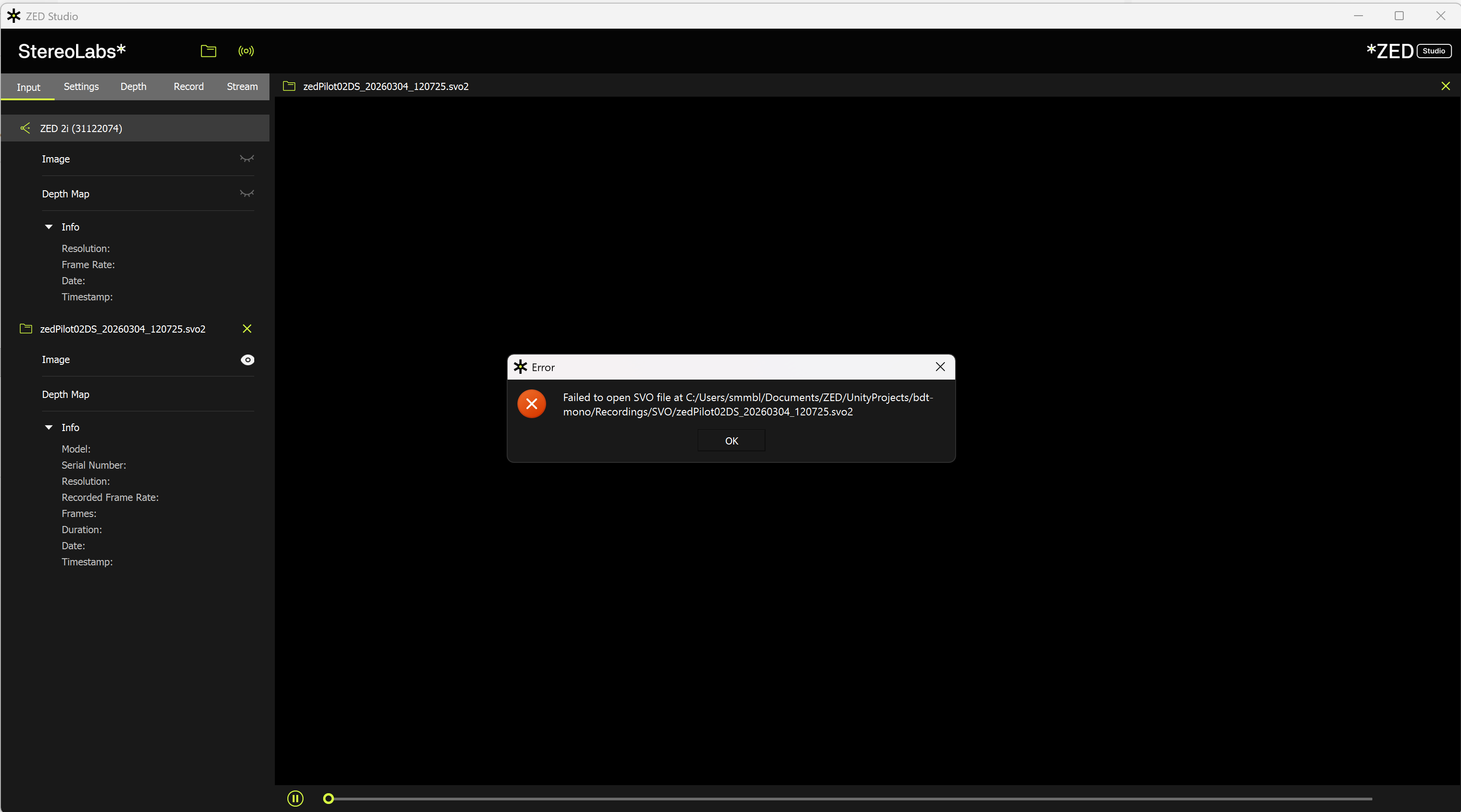
I encountered two issues related to SVO2 recording and diagnostics.
1. Large SVO2 files cannot be opened in ZED Studio
I recorded SVO2 files using both:
the C# API
ZED Studio
Recording finishes normally, but when the SVO2 file becomes large, ZED Studio fails to open it:
the viewer stays black for a while
then it shows “cannot open”
From my tests:
H265 Lossless recordings always fail to open
H265 sometimes works, but larger files (around >4GB) often fail as well
2. ZED Diagnostics crashes during camera check
To solve the first problem, I want to run the zed diagnosis. But when I run ZED Diagnostics with the camera connected, it crashes during the camera check step (around 10%).
Because of this, I could only export diagnostics without the camera connected, so the attached report mainly contains system information.
I will attach:
the ZED Studio error screenshot
the ZED Diagnostics report
Questions
Any suggestions on how to troubleshoot the SVO2 playback issue in ZED Studio and ZED Diagnostic crash issue?
Would it help if I upload some SVO2 file that cannot be opened?
I got exactly the same problem with three different computers. I use a ZED M.
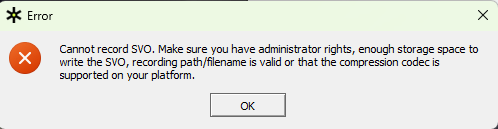
In addition, I can’t record SVO files with ZED Explorer (I did it in the past with old SDK versions).
In copy, my file from ZED Diagnostic.
Hi,
Good news for the diagnostics tool.
And about recording of SVO file, do you find a problem ?
I can’t record files with the codecs H264 or H265 on a computer with Nvidia RTX 3070 Mobile or Nvidia RTX 5090.
Hello, I downloaded the 5.2.2 version of zedsdk on my computer, and the frame rate in the bottom left corner is now normal. However, I still cannot record SVO video files. What is the reason for this
Hello, the recording program of the zed camera that cannot open SVO has not been resolved. Please solve it as soon as possible. Thank you. Also, I cannot open SVO files using previous versions 5.1 or 5.0
Thanks for your qucik&hard work! It looks like the ZED diagnostics works well, but the SVO2-cannot-open issue still persists, every time the SVO2 file is large, it always fails to open.
Hello, I have encountered this issue before. My system is Windows 1125h2 version, graphics card is 5060, CUDA installed is 13.0, Nvidia driver is 581.27, and zed SDK is 5.2.2 version. I had the same problem before, but later I found that it was an issue with Nvidia driver updates. Video hardware encoders after 591 version have problems. You can try lowering Nvidia’s driver and trying 581.27 version of the driver
I just solved and posted about SVO2 recording and playback. Here is the message:
Hope this helps narrow down a fix for you. Fixed it for me.
On Windows 11 Pro with ZED SDK 5.2.2, CUDA 13.2, and an RTX 4090 Laptop GPU, SVO recording was only working in LOSSLESS mode. All NVENC-based compression modes were failing:
H264
H265
H264_LOSSLESS
H265_LOSSLESS
The fix was to roll back the NVIDIA GPU driver from 595.79 to 581.57 Studio.
After the rollback, all 5 SVO recording modes validate and record correctly.
So this appears to be related to an NVIDIA driver / NVENC regression or compatibility issue affecting ZED SDK 5.2.2 with CUDA 13.2 on this setup, rather than a general SVO write failure.
I am posting this so others do not lose time chasing unrelated causes such as save path, permissions, USB bandwidth, or camera failure when LOSSLESS works but the GPU-based codecs do not.
System:
Windows 11 Pro
ZED SDK 5.2.2
CUDA 13.2
NVIDIA driver 595.79 = broken for GPU SVO codecs
NVIDIA driver 581.57 Studio = working
RTX 4090 Laptop GPU
It would be great if the SDK / Explorer could either:
detect and warn about the NVENC failure more explicitly, or
document known-bad driver branches if this is already understood internally.